Subscribe Download

All-in-one assistant

HanFlow Bot plus four assistants, one window

Everything in HanFlow Bot — the AI bot, voice input, and phone access — plus Work, Project Management, Expense Evidence, and Trade Documents assistants, all in a single program.

Mac (Base Assistant)For Apple Silicon Macs

Download HanFlow Bot on your PC first. The phone app connects to the bot running on your computer.

HanFlow Bot requires a Windows or Mac PC.
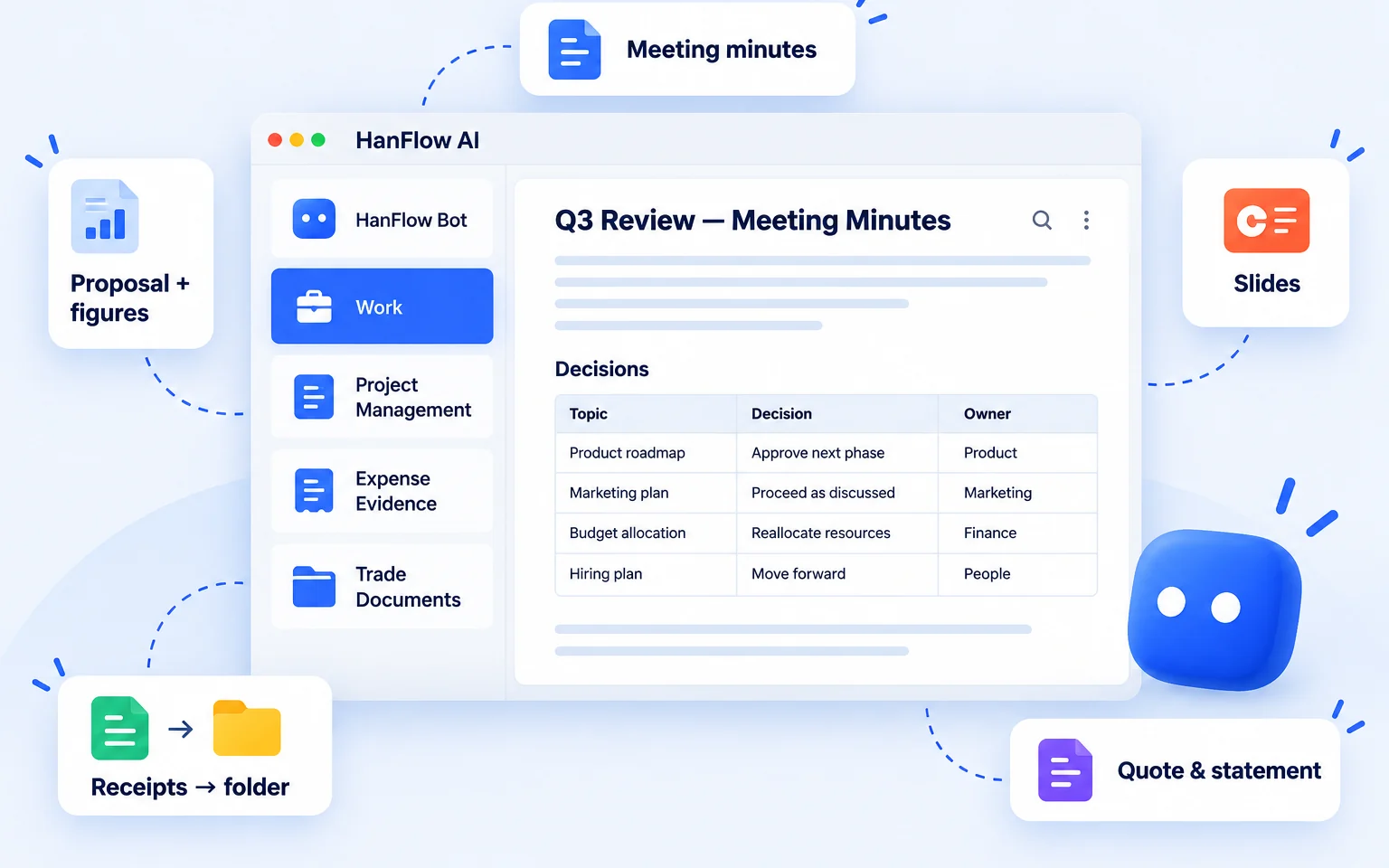
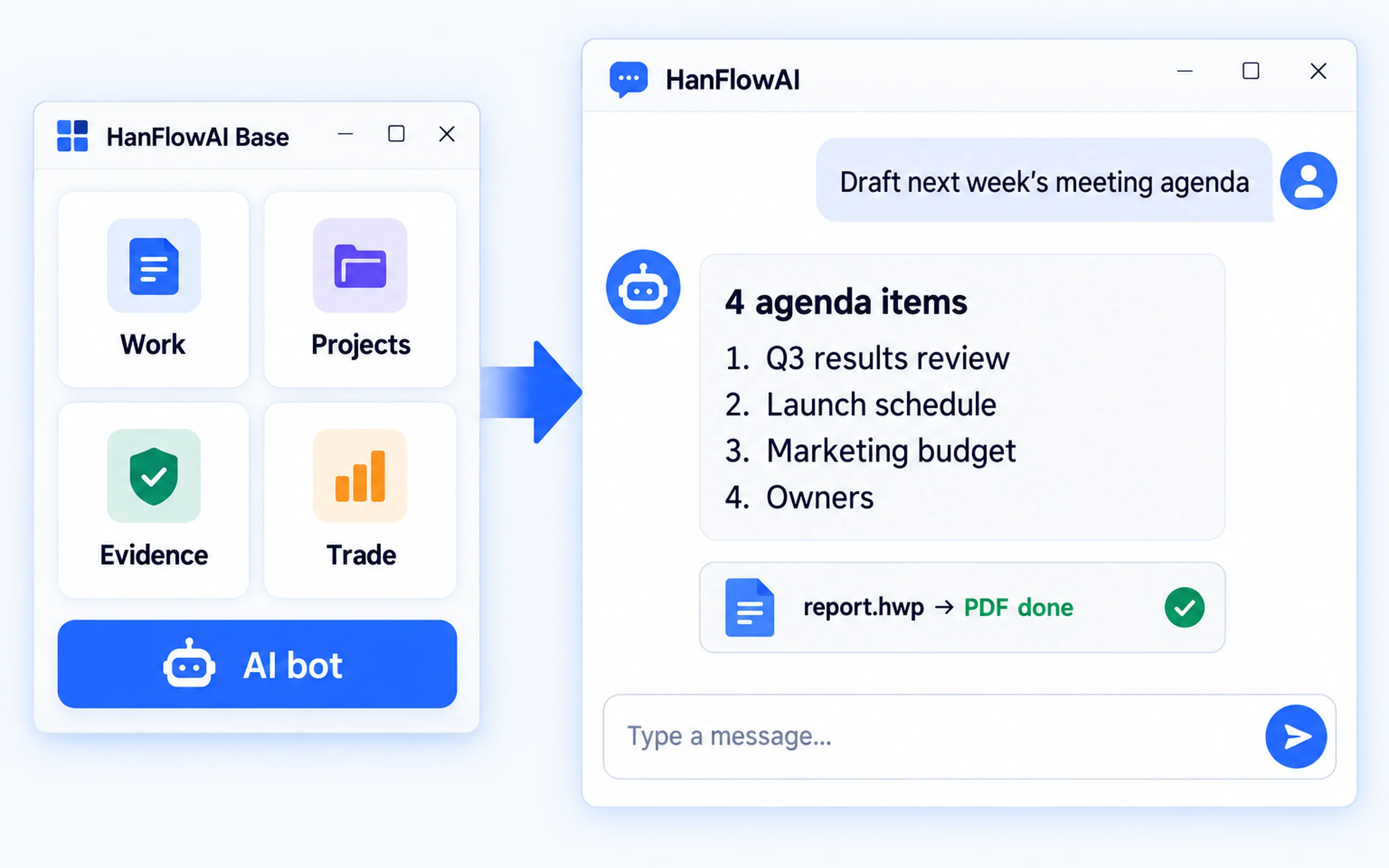
HanFlow AI all-in-one assistant showing five assistant modules in a single window

Five assistants in one window

HanFlowAI Base Assistant

All five assistants in one window

AI chat and AI images live here too.

  • Chat with an AI bot · generate AI images
  • The assistants you chose appear here as cards — favourites, recent, search
All five assistants

Work

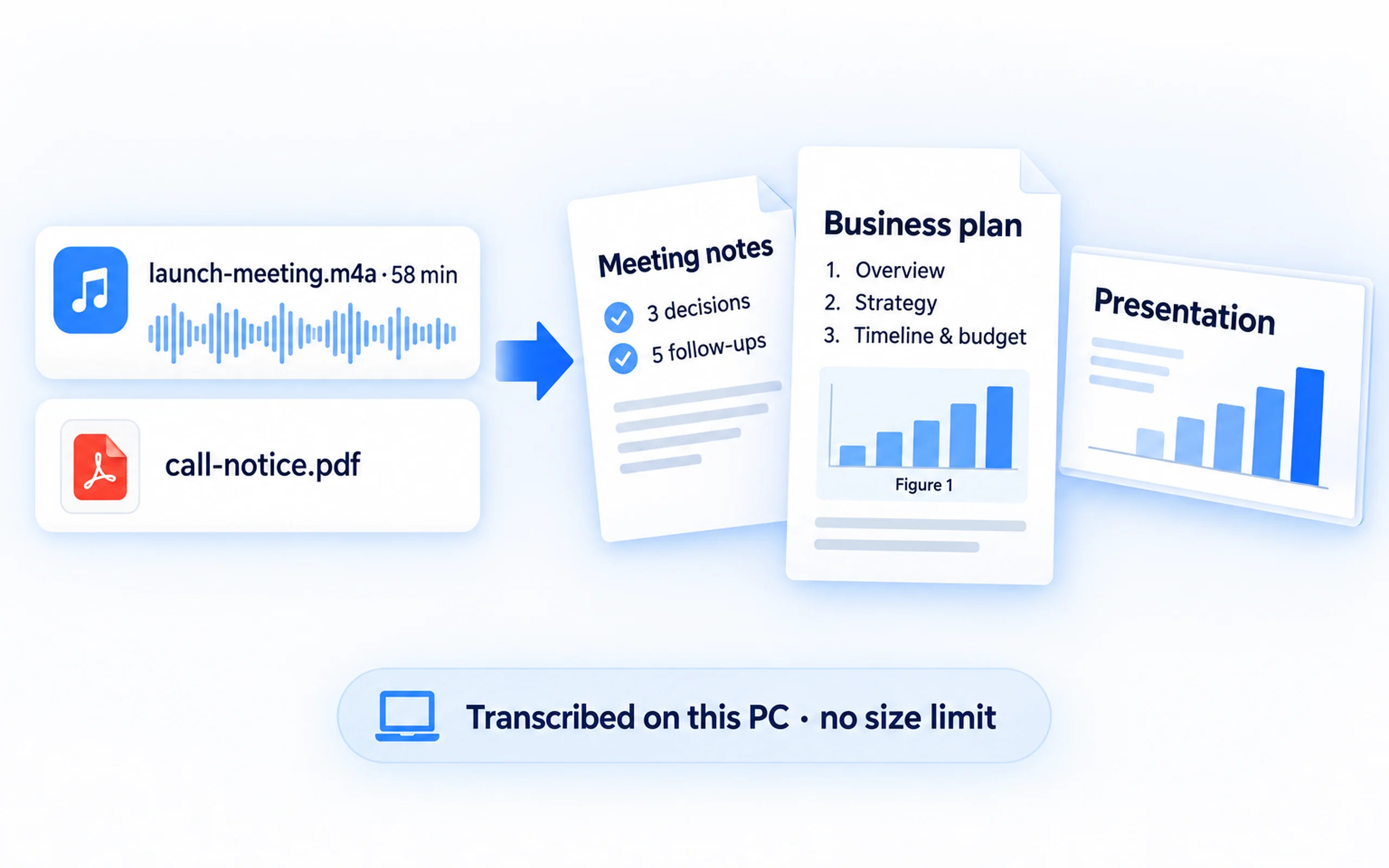
Recordings into documents, call notices into proposals

From transcription to slides in one line of work.

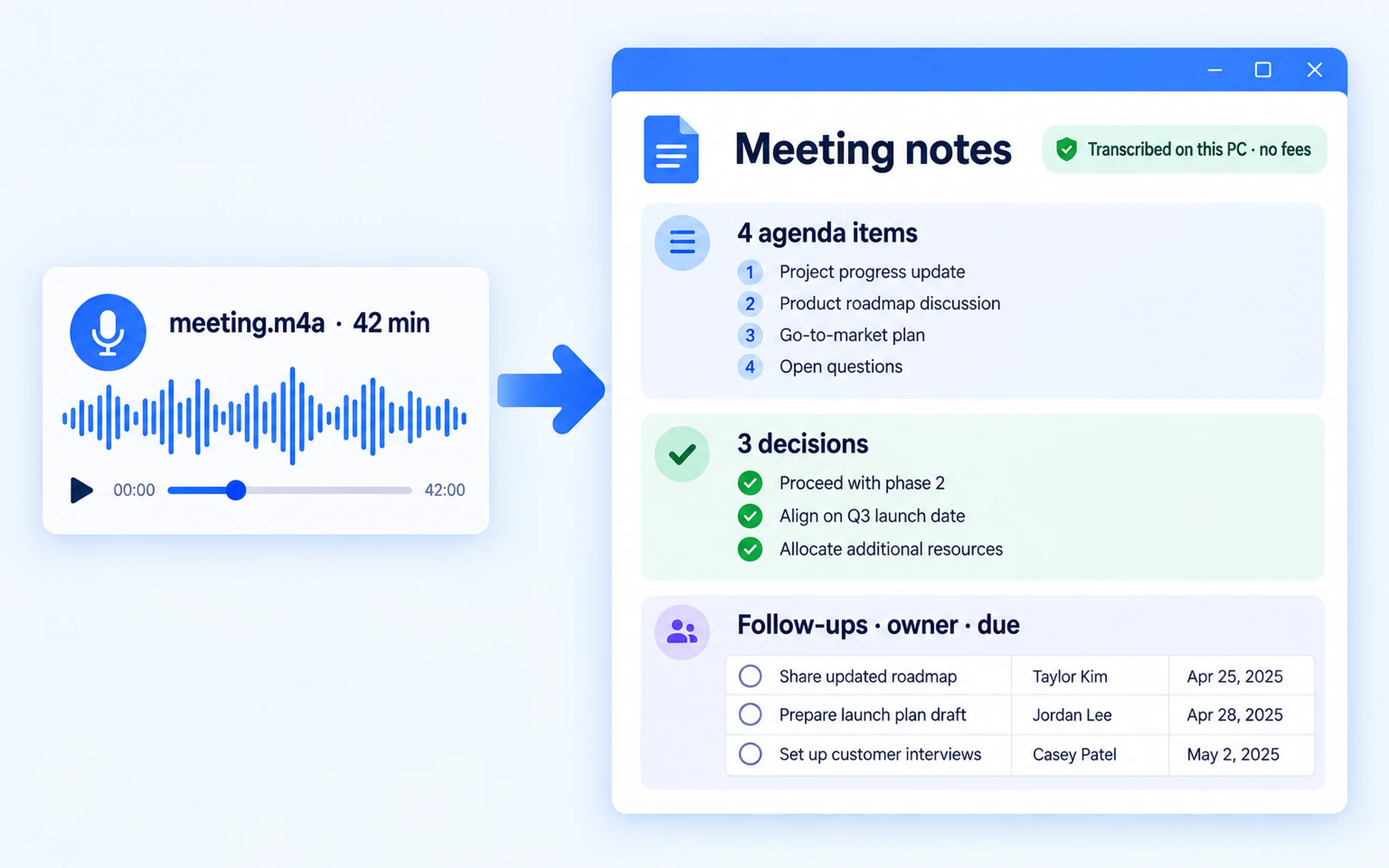
  • Minutes — recordings are transcribed on this PC (no size limit, no transcription cost)
  • Proposals and reports — the table of contents is lifted verbatim from the call notice and used as the frame
  • It finds "Figure N" in the text, generates the image and places it there
  • Slides — exported as 16:9 PowerPoint
  • Documents are written by the built-in engine — the AI never writes the file itself, so documents do not break

$4 / month

Recordings into documents,

Project Management

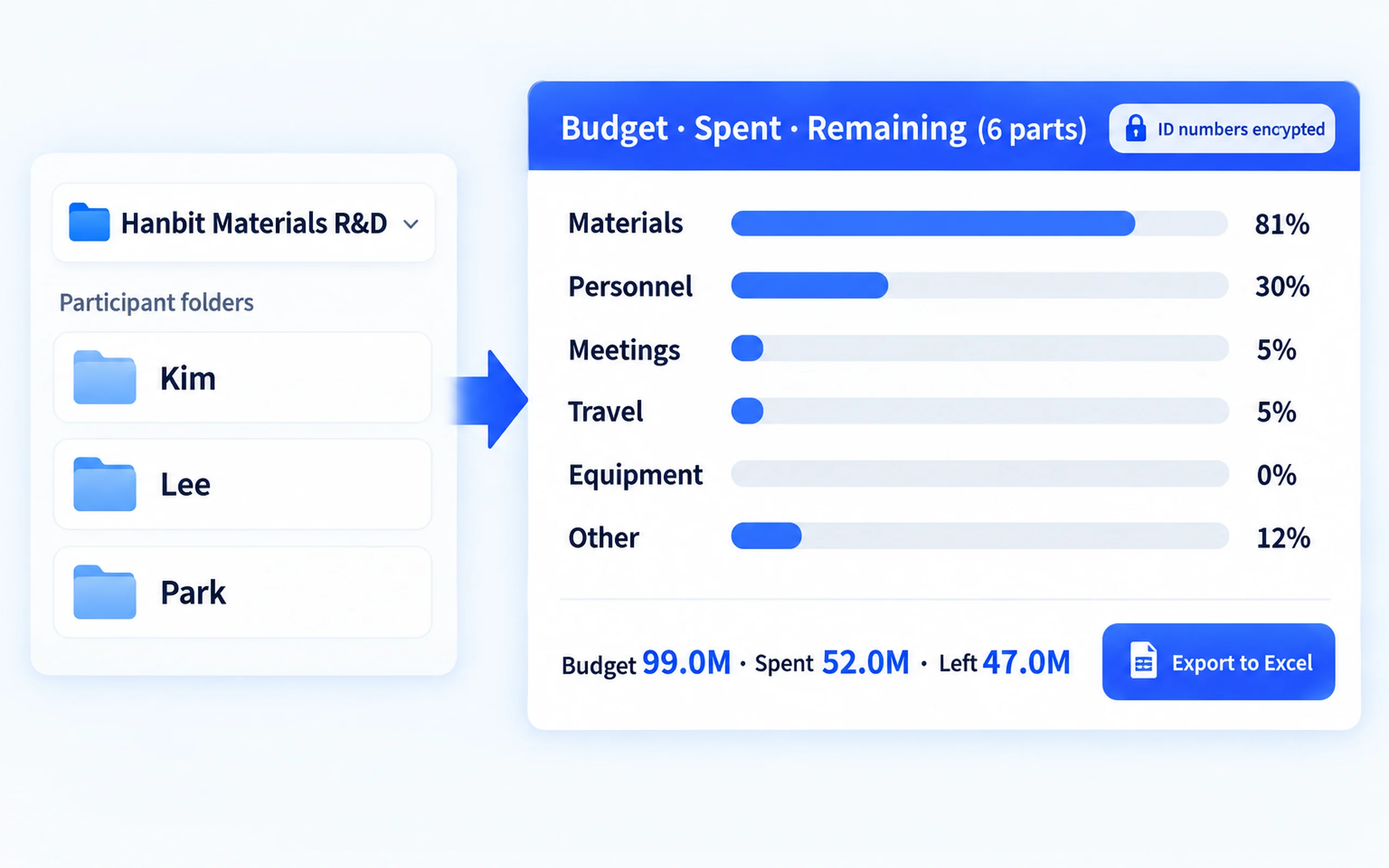
Projects, money, people and deadlines on one screen

What you used to track separately now sits in one place.

  • Project registration, status and end-of-term warnings
  • Budget in six parts (materials, meetings, travel, other, equipment, labour): planned, spent, remaining
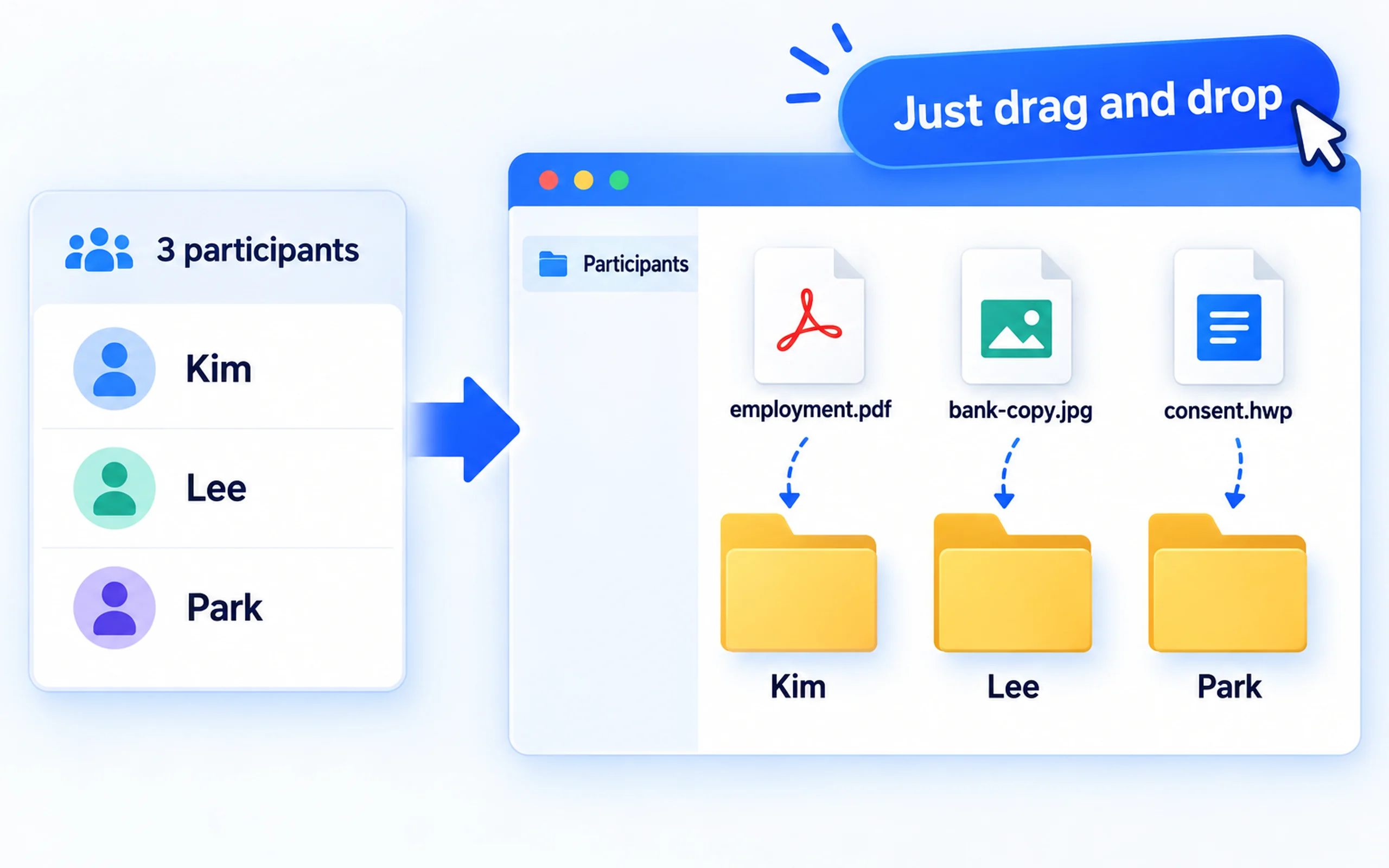
  • Every participant gets their own folder; you just drag the paperwork in
  • National ID numbers are stored encrypted — they are never left in a file as plain text
  • Exports to a combined Excel sheet, a balance format and a status summary

$2 / month

Projects, money, people and deadlines

Expense Evidence

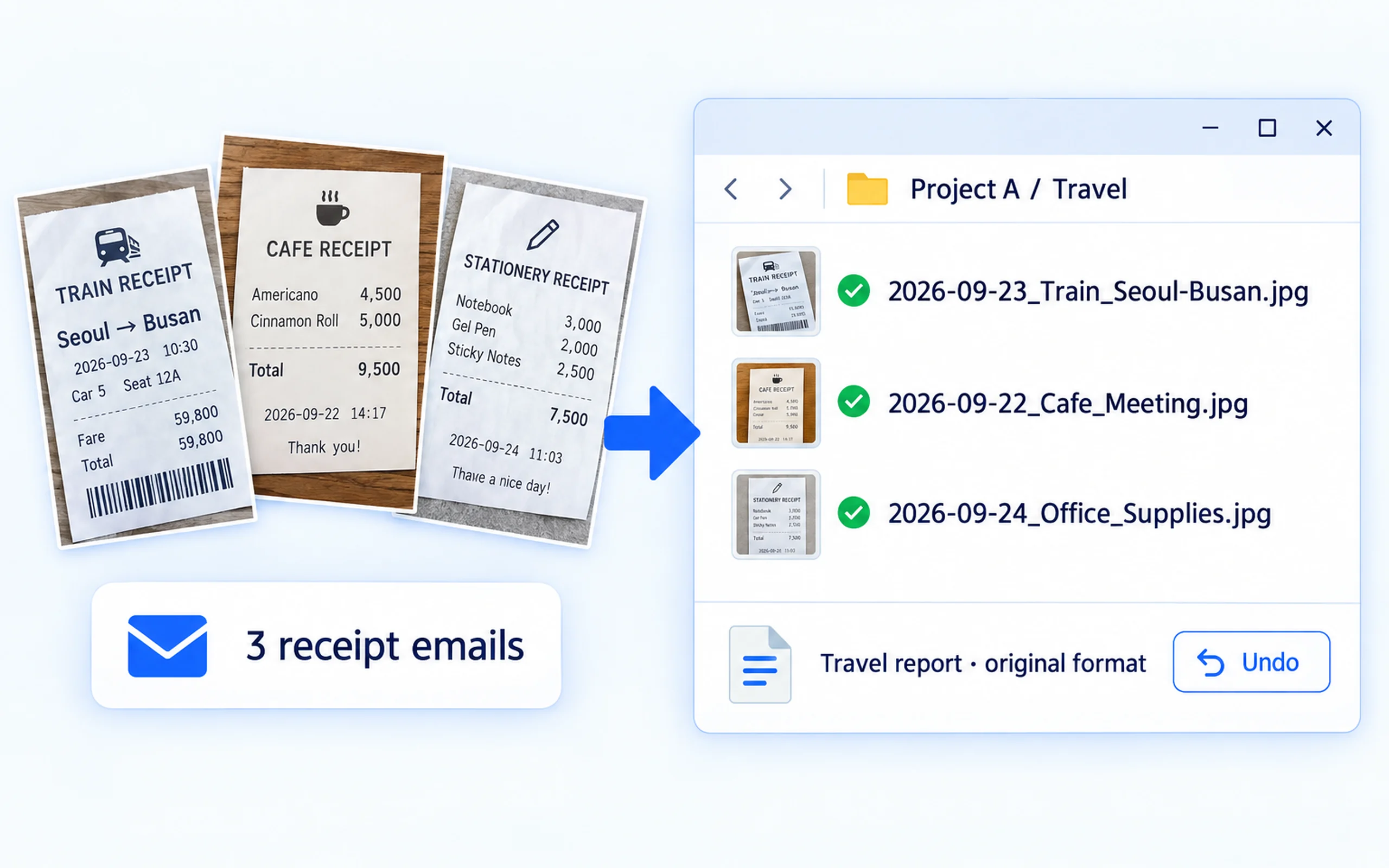
Photograph a receipt and it lands in the right project folder

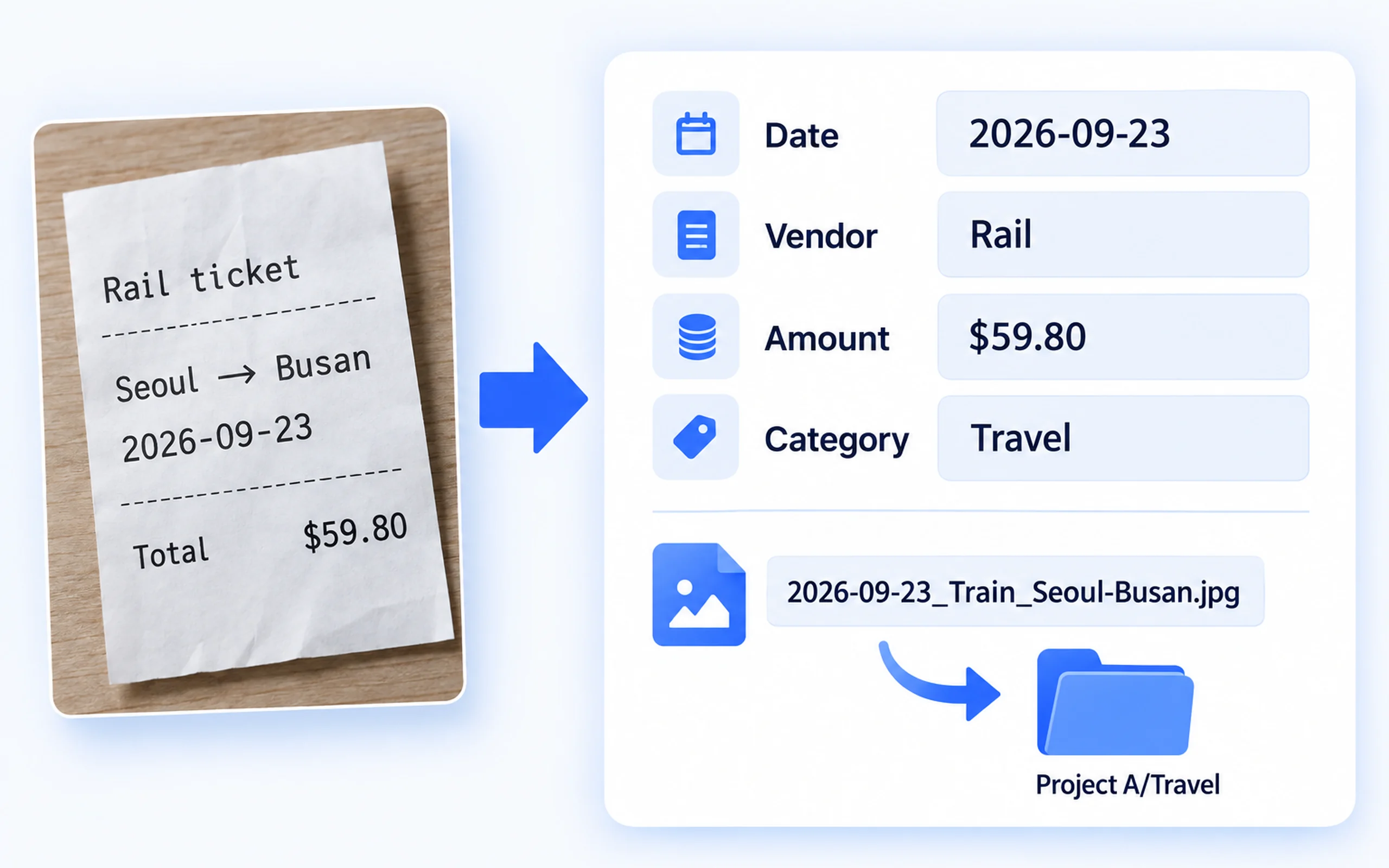
It is renamed, filed, and the paperwork is produced.

  • Items are read from receipt photos and PDFs, the file is renamed and moved to the project folder that matches the card
  • If something was filed wrongly, the move can be undone
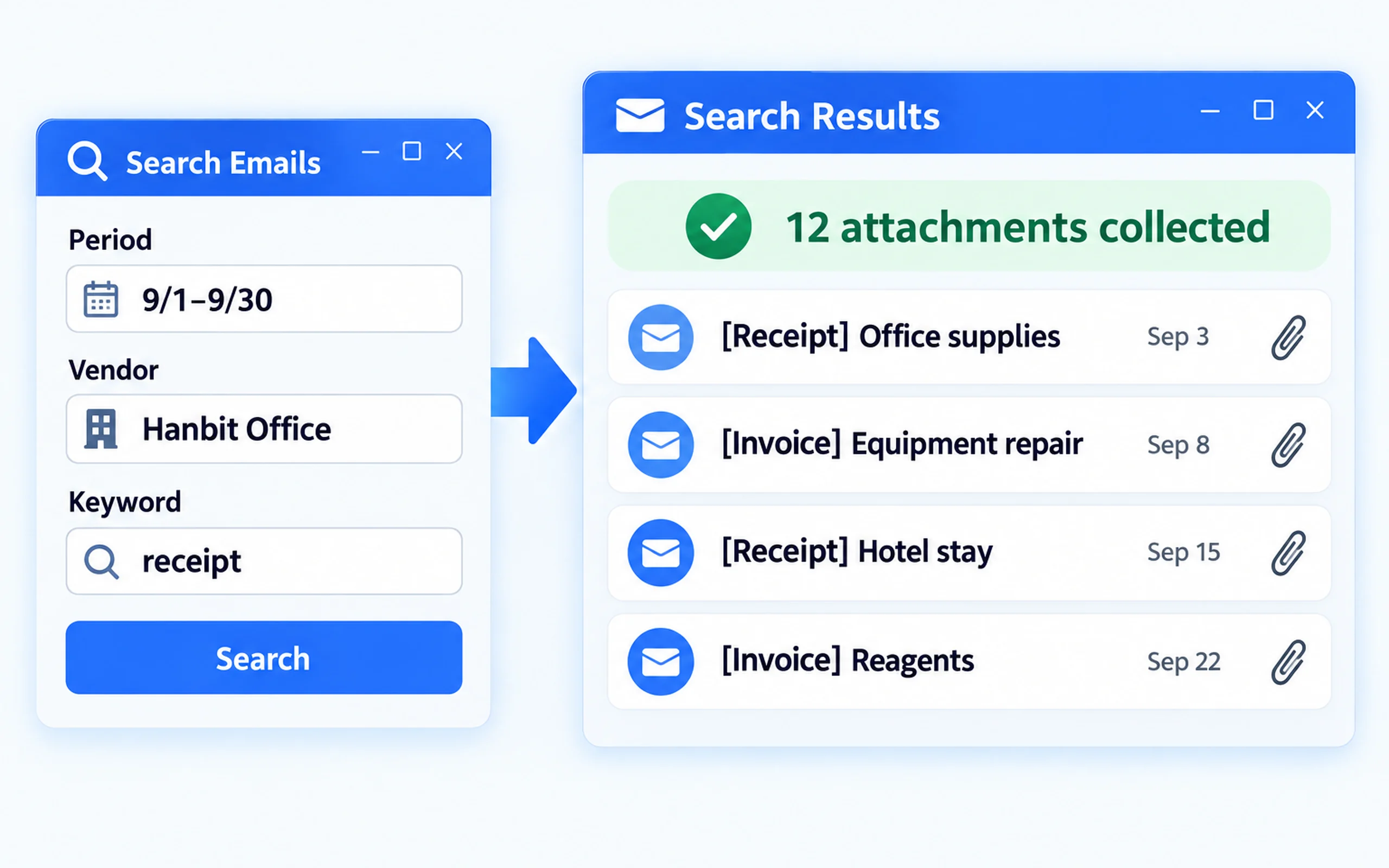
  • Automatic evidence mail intake — searches by period, company and keyword to collect receipts and invoices
  • Produces meeting-expense paperwork and travel expense reports in the official layout

$2 / month

Photograph a receipt and

Trade Documents

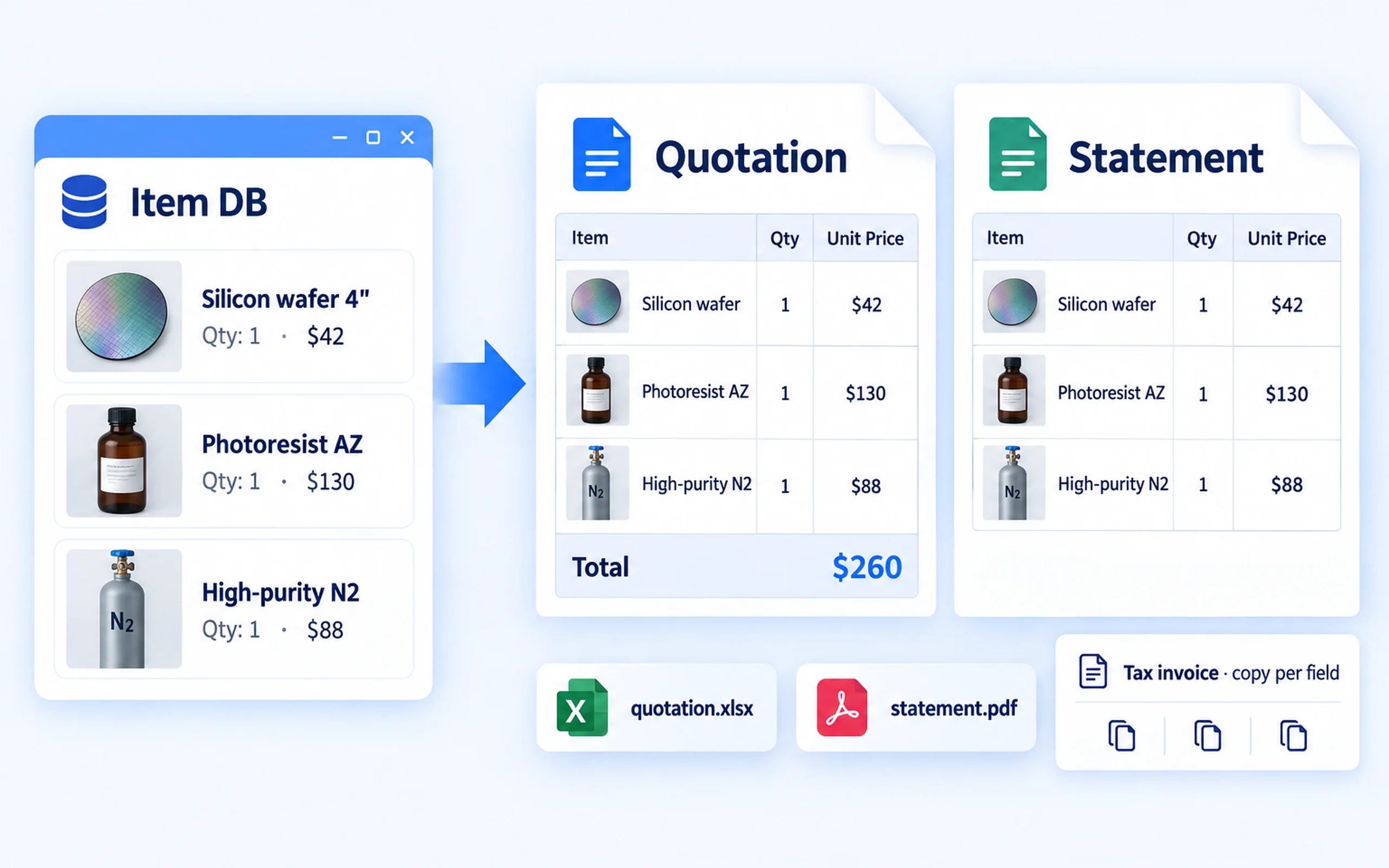
Pick your items and the quote and statement come together

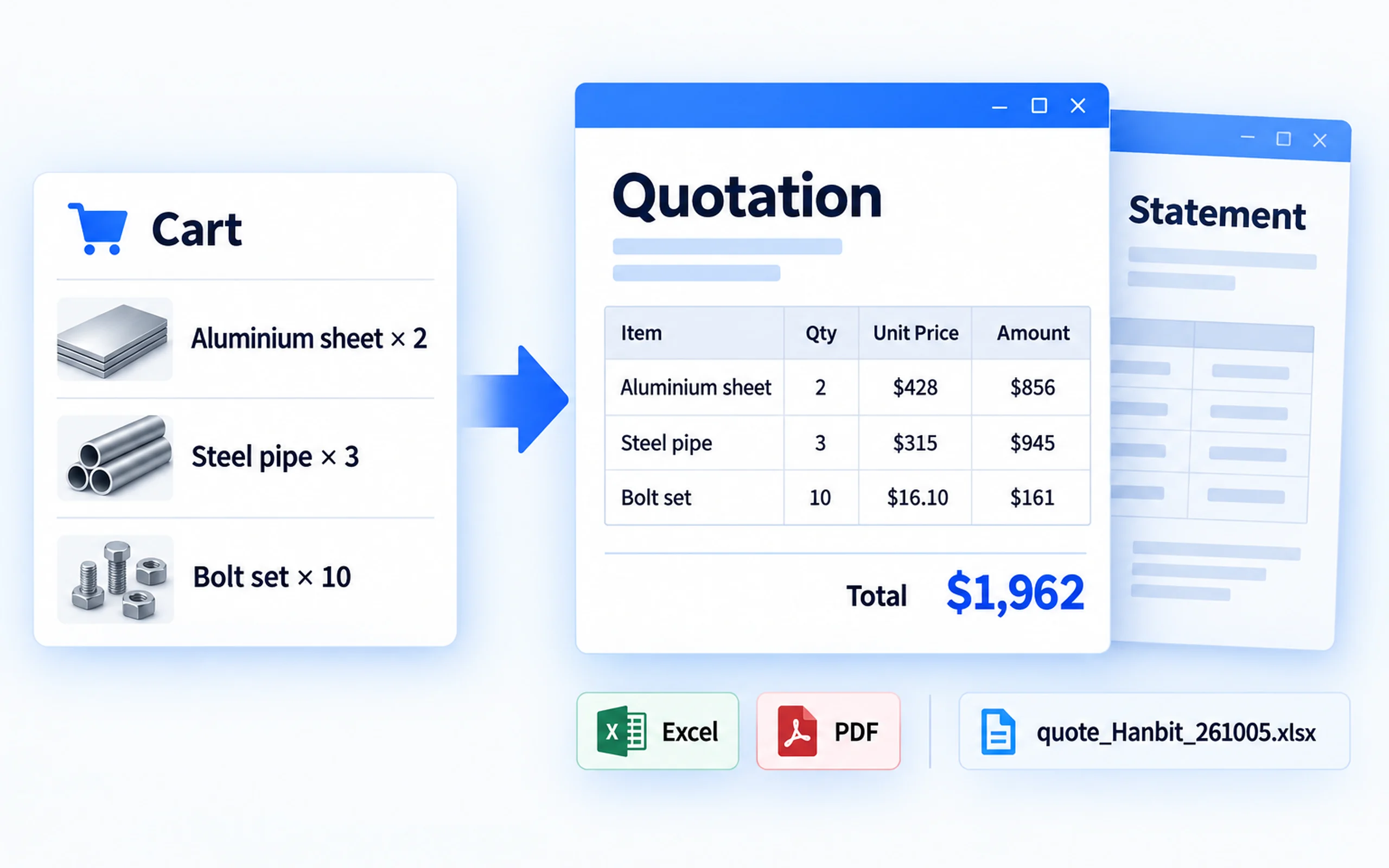
Excel and PDF are produced in one go.

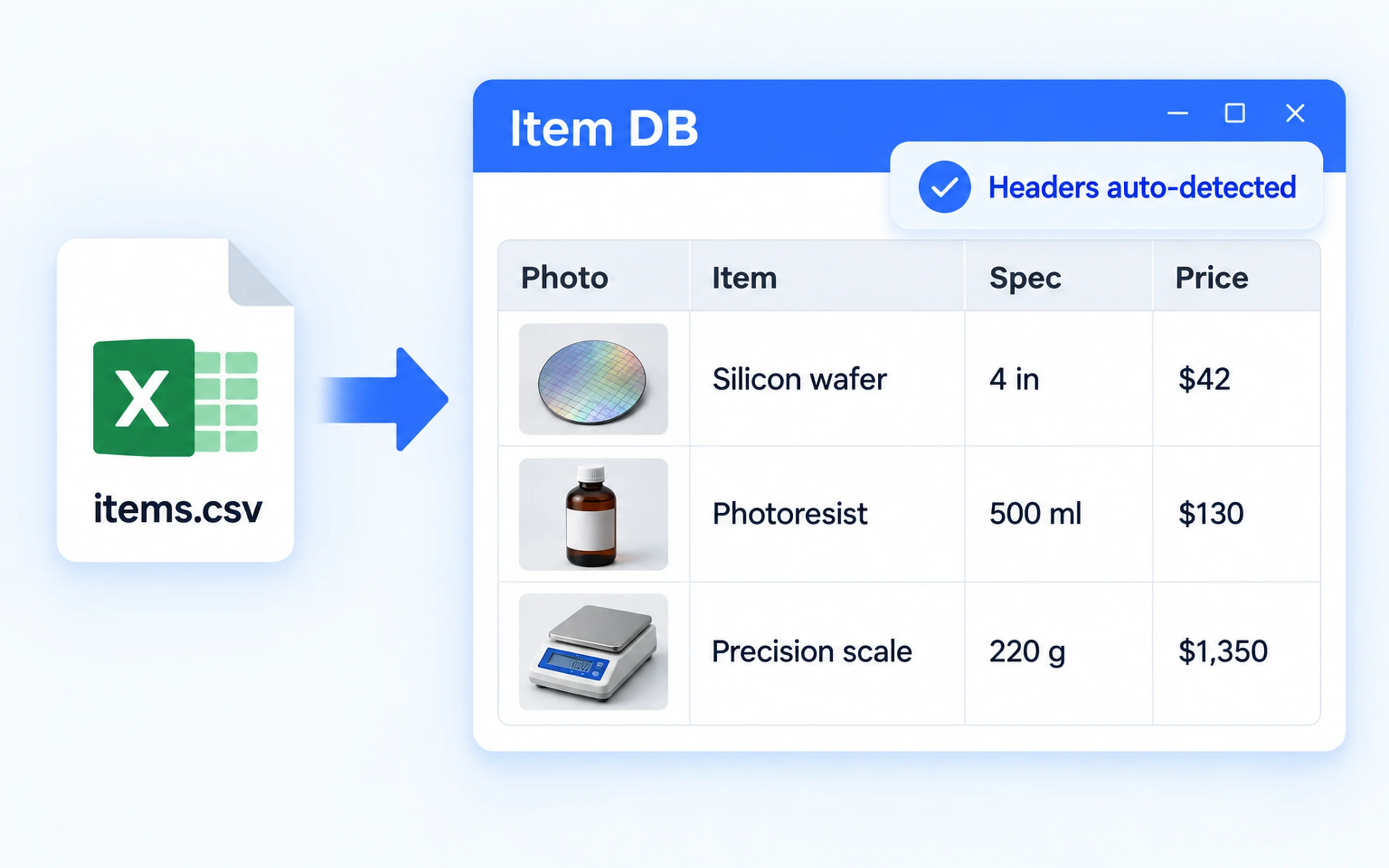
  • Item database — imported from CSV and Excel (Korean and English headers are recognised automatically) with photos attached
  • Quotes and statements — set a target amount and it composes a set at or below it
  • Excel and PDF are produced at once, and the file names are automatic
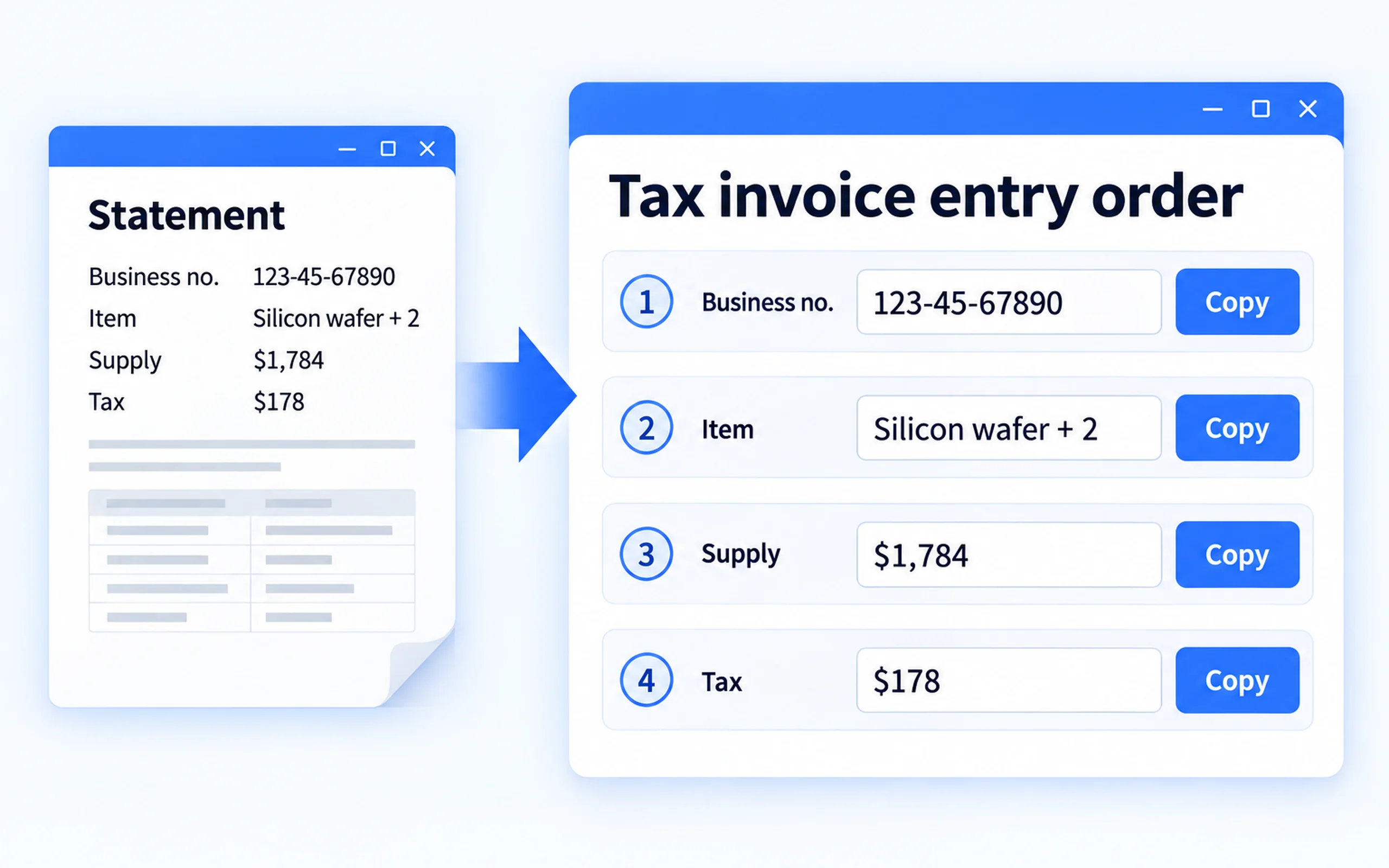
  • Tax invoice helper — laid out in the same order as the tax portal, with a copy button on every field
  • Trade mail, paid/unpaid tracking and automatic balance calculation

$2 / month

Pick your items and

All features

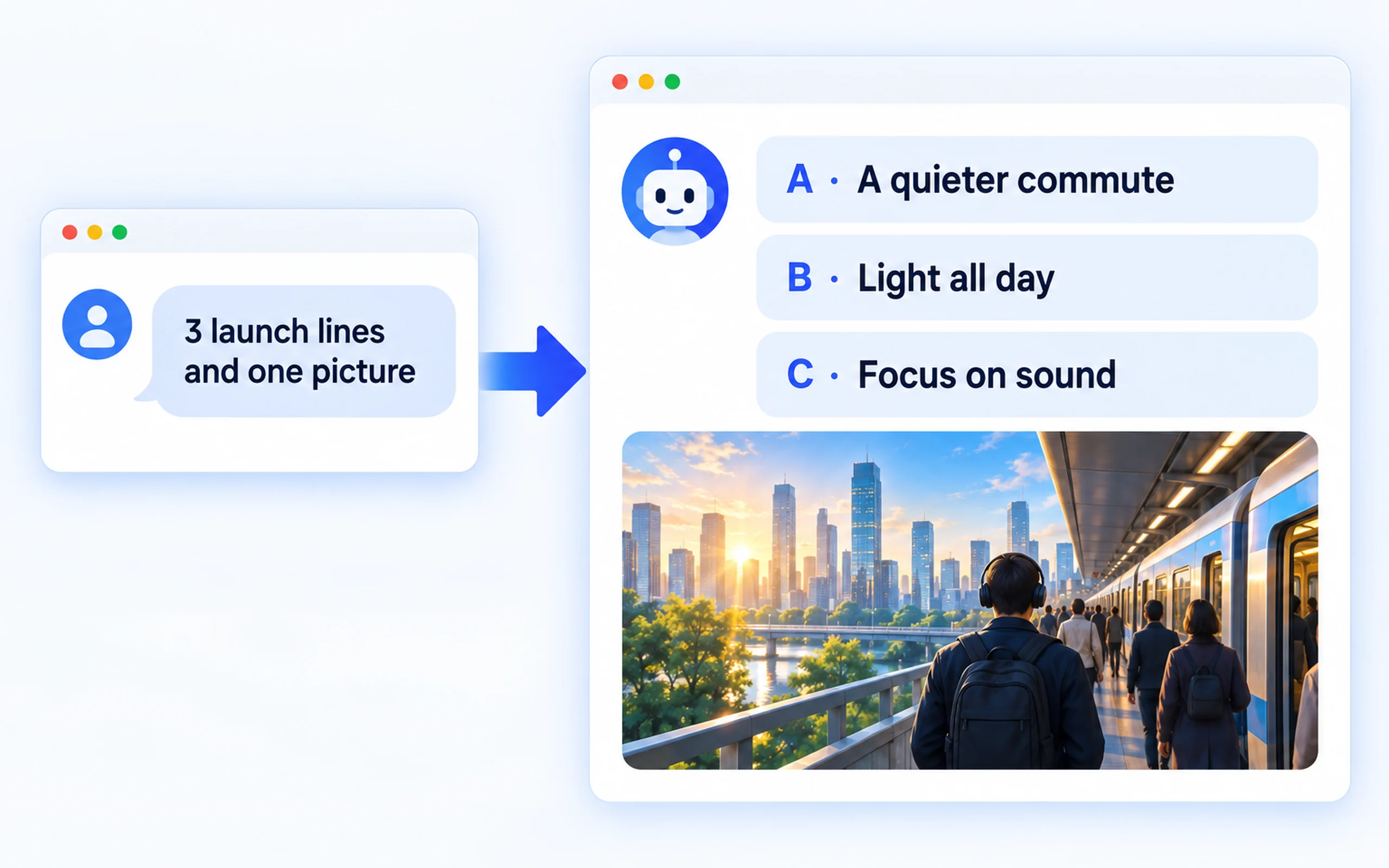
AI chat · AI images

AI chat · AI images

Connect your own subscription and ask inside the assistant; generate images when you need them.
  • Chat
  • Images
Meeting transcription

Meeting transcription

Recordings are turned into text on this PC. There is no file size limit and no transcription charge.
  • Offline
  • No size limit
Reports and proposals

Reports and proposals

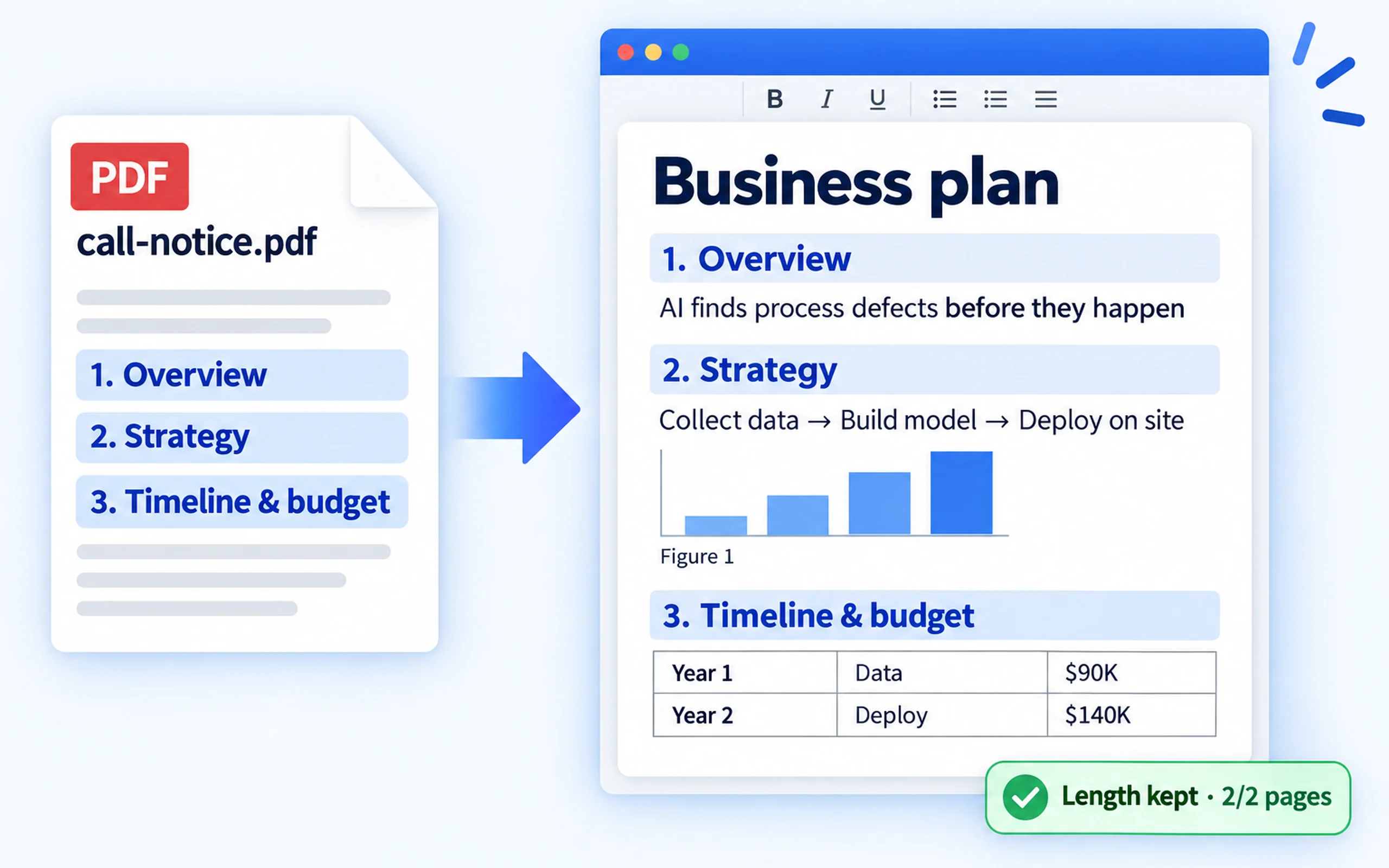
The table of contents is lifted verbatim from the call notice and used as the frame, and each section keeps its required length.
  • Contents extraction
  • Length kept
Slide decks

Slide decks

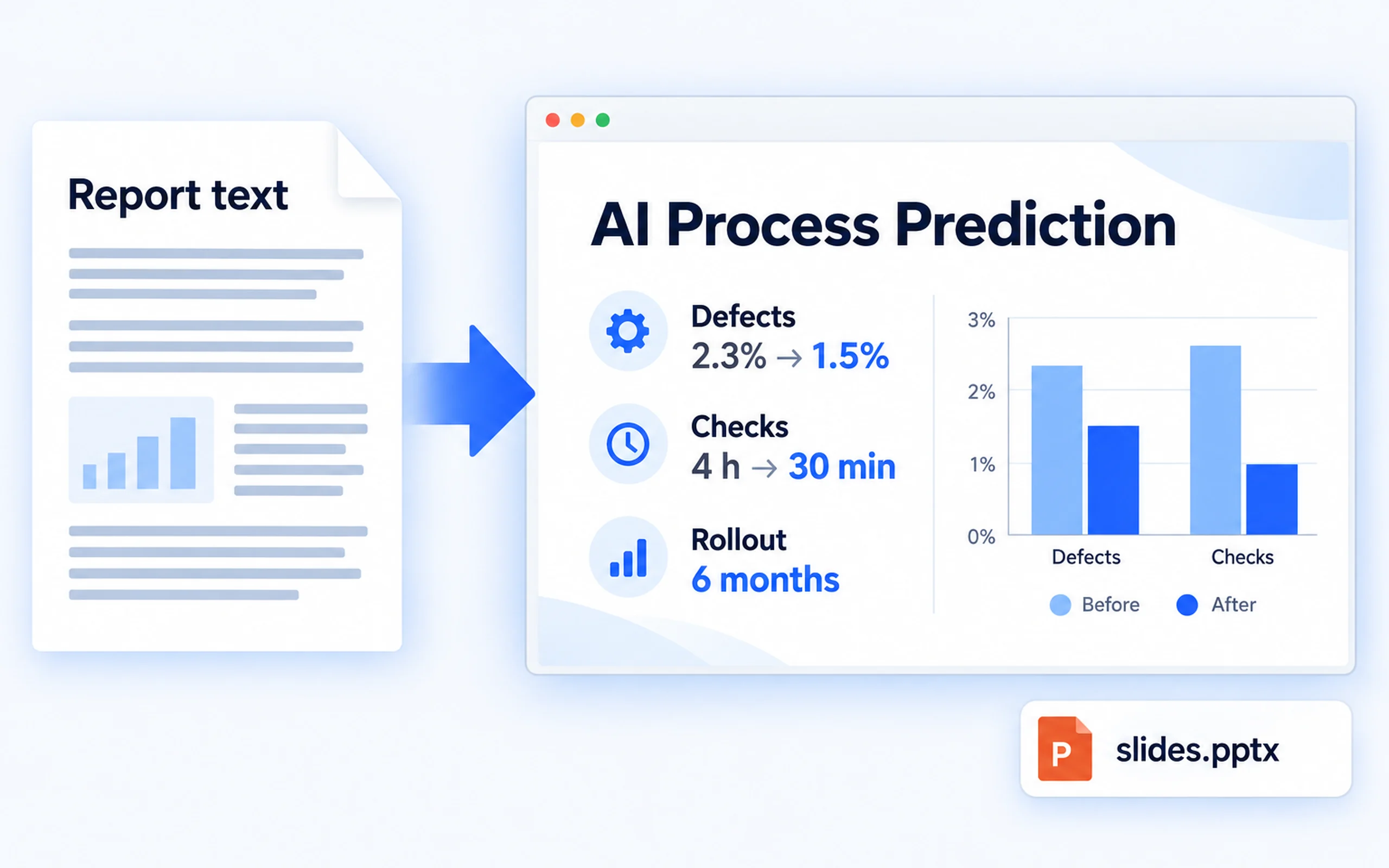
Your text is laid out as 16:9 slides and exported as a PowerPoint file.
  • 16:9
  • PPTX
Built-in document engine

Built-in document engine

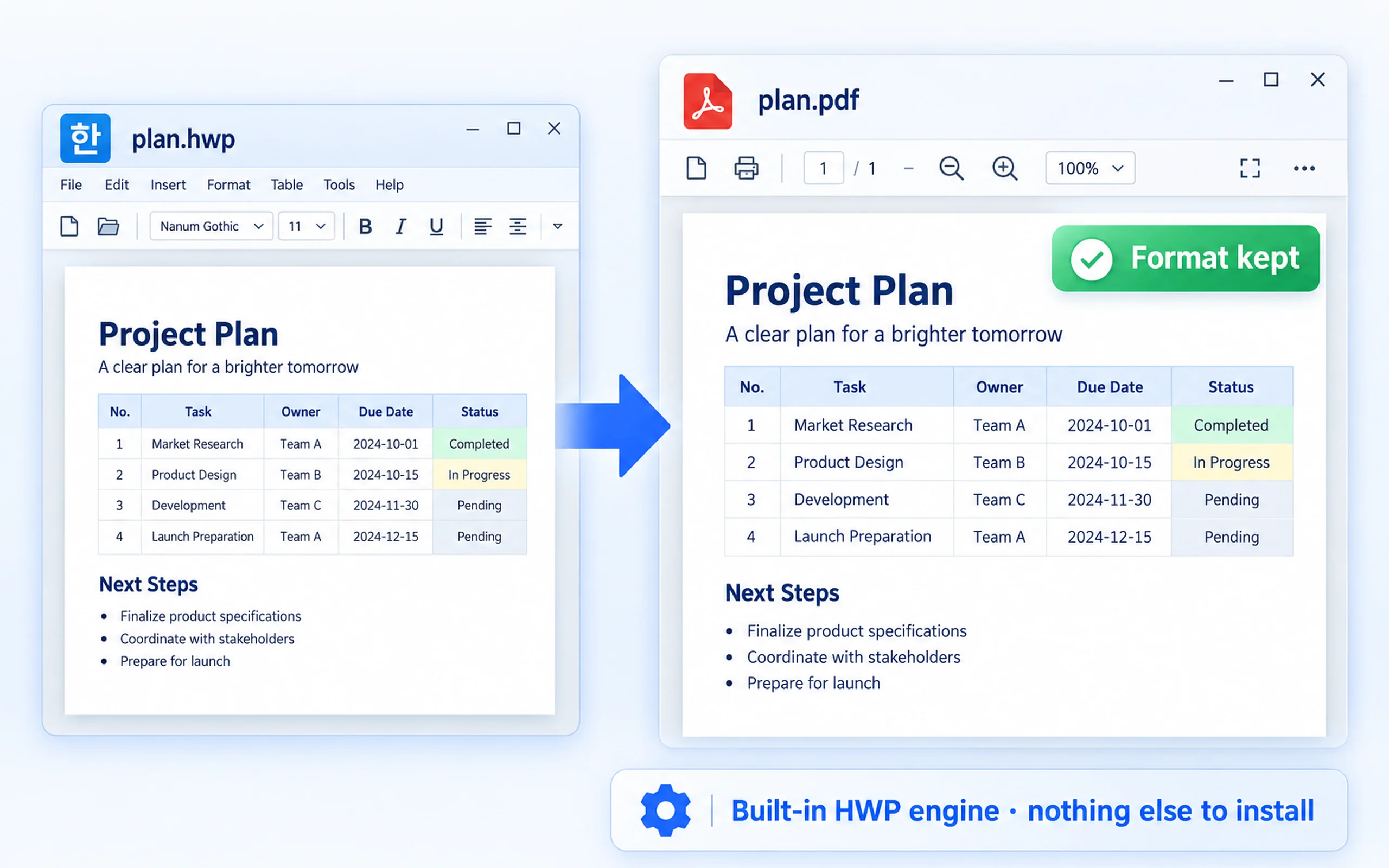
Documents are written by the built-in engine. The AI never writes the file itself, so the formatting survives.
  • Formatting preserved
  • PDF conversion
Projects and budgets

Projects and budgets

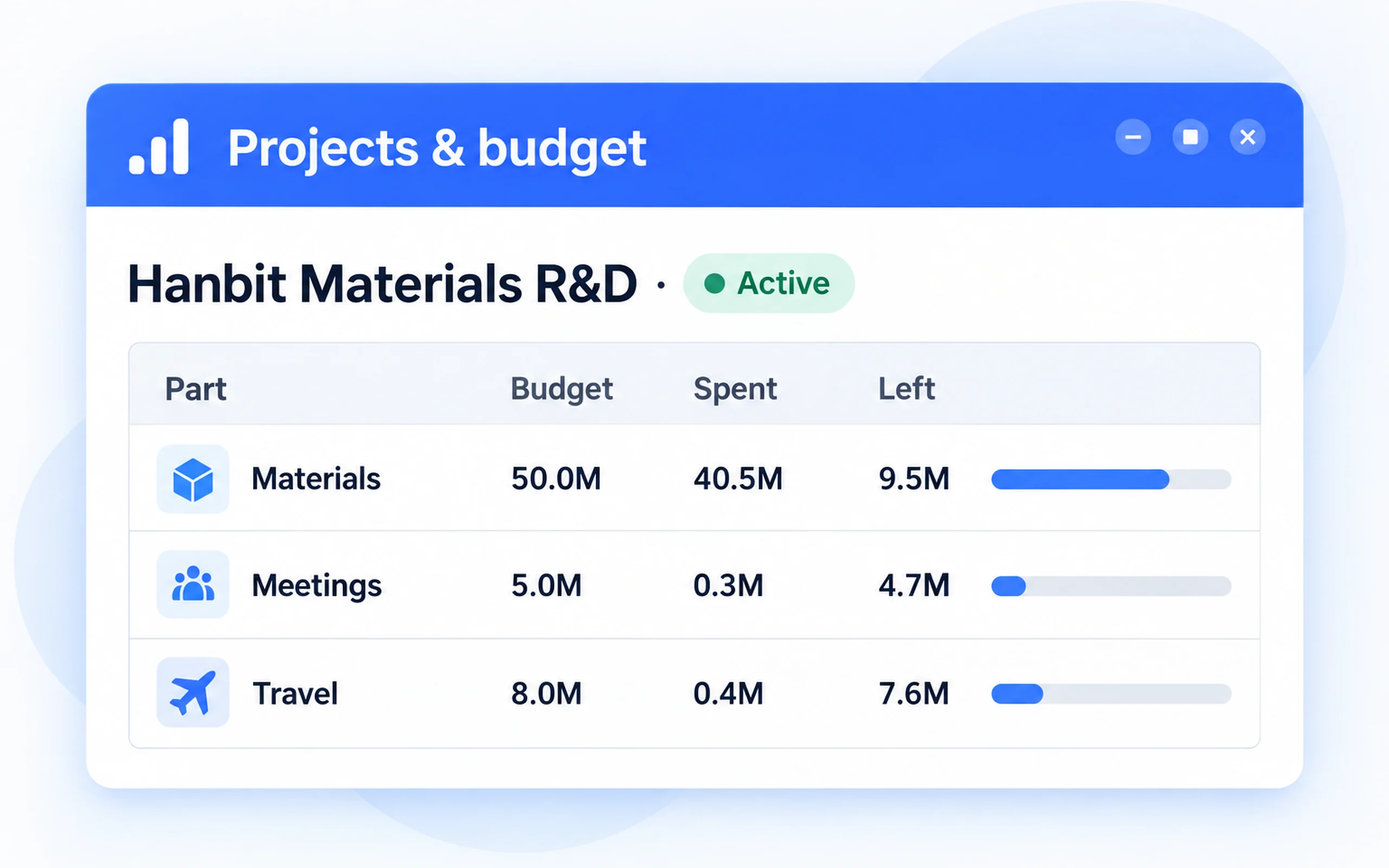
See project status and the planned, spent and remaining amounts of all six budget parts on one screen.
  • Planned
  • Spent
  • Remaining
Participant paperwork

Participant paperwork

Every participant gets their own folder, and filing is just drag and drop.
  • Automatic folders
  • Drag and drop
Receipt reading and filing

Receipt reading and filing

Items are read from receipt photos and PDFs, the file is renamed and moved to the matching project folder.
  • Automatic naming
  • Undo
Automatic evidence mail intake

Automatic evidence mail intake

Searches by period, company and keyword and collects receipts and invoices in one pass.
  • Mail search
  • Attachment intake
Quotes and statements

Quotes and statements

Pick your items and Excel and PDF come out together. The file names are automatic too.
  • Excel
  • PDF
Item database

Item database

Imported from CSV and Excel. Korean and English headers are recognised on their own, and photos are attached.
  • Import
  • Photos
Tax invoice helper

Tax invoice helper

Laid out in the same order as the tax portal, with a copy button on every field.

  • Portal order
  • Copy per field

Already using HanFlow Bot?

Run the all-in-one installer over your existing HanFlow Bot. It uses the same folder, and your conversations and memory stay intact. Add-on assistants require their own add-on subscription.

Illustration comparing the smaller HanFlow Bot installer to the larger all-in-one installer

Base subscription $10/month · add-on assistants from $2/month