
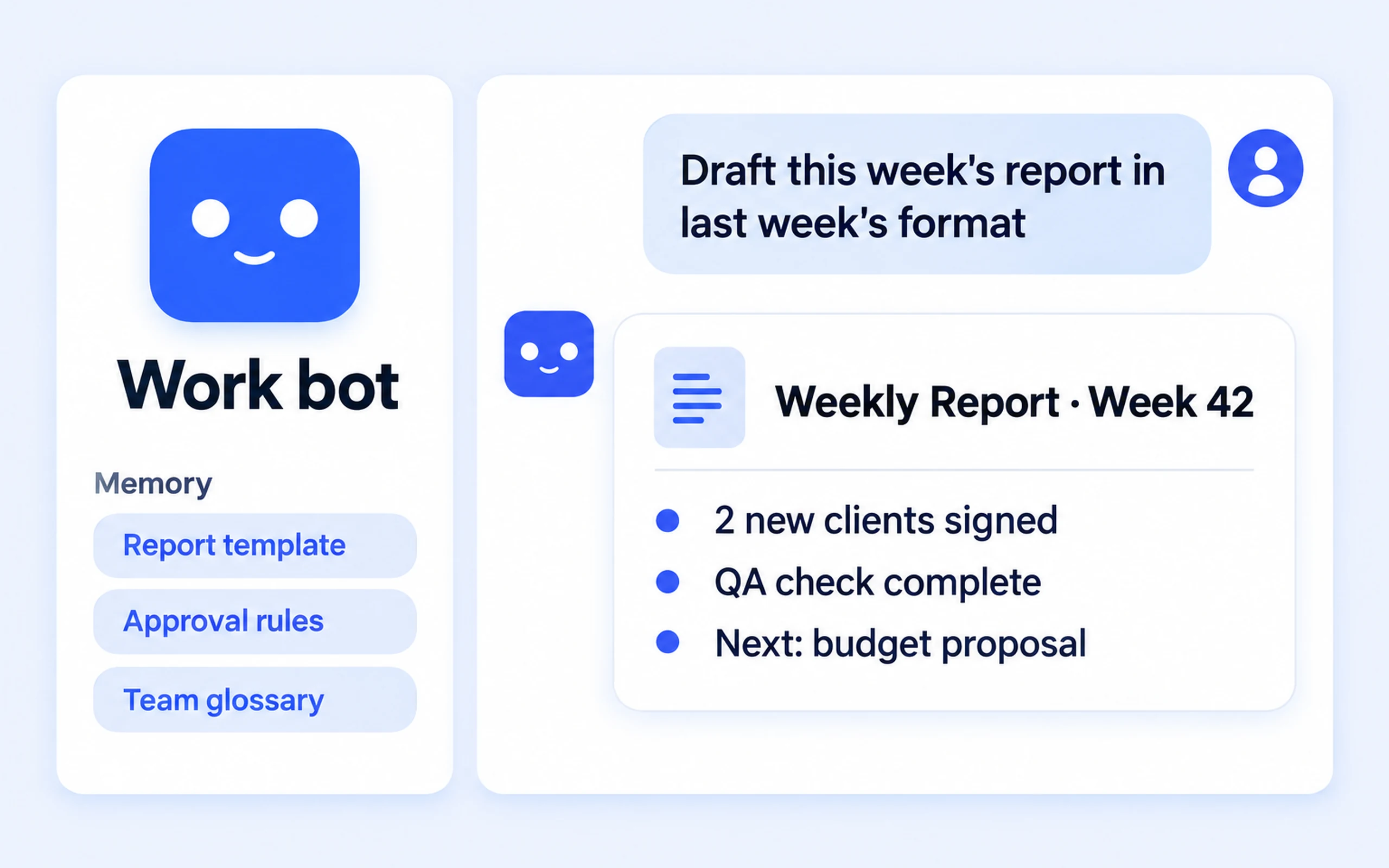
Work Bot
Writes weekly reports, official memos, and meeting minutes in your team's format.
Windows · Lightweight · AI Bot Only
One bot handles writing, images, document files, calendar entries, email drafts, and code. HanFlow Bot is a lightweight install with just the bot and built-in voice input — nothing extra.
The all-in-one installer is larger and includes every assistant. Once the lightweight HanFlow Bot installer is ready, this button will switch automatically.
Download HanFlow Bot on your PC first. The phone app connects to the bot running on your computer.
HanFlow Bot requires a Windows or Mac PC.

Before you start

HanFlow Bot connects to your Claude subscription (Claude Code) or GPT subscription (Codex) — pick either one. API keys are not accepted. Our fee does not include the Claude or GPT subscription, and hanflowai.com credits are never used. For AI image generation, a separate image API key is required.
Documents and files the bot creates are saved on your computer. While HanFlow Bot is running on your PC, you can also receive them in the phone app.
HanFlow AI Assistant — Base (Monthly)'HanFlow Bot uses the Base subscription. The payment screen shows the English product name HanFlow AI Assistant — Base (Monthly). Trial customers may see “· First month free” appended — that is the right product.
Bots for every role
Create separate bots for different tasks. Each bot keeps its own memory, conversation history, and engine settings.
Writes weekly reports, official memos, and meeting minutes in your team's format.
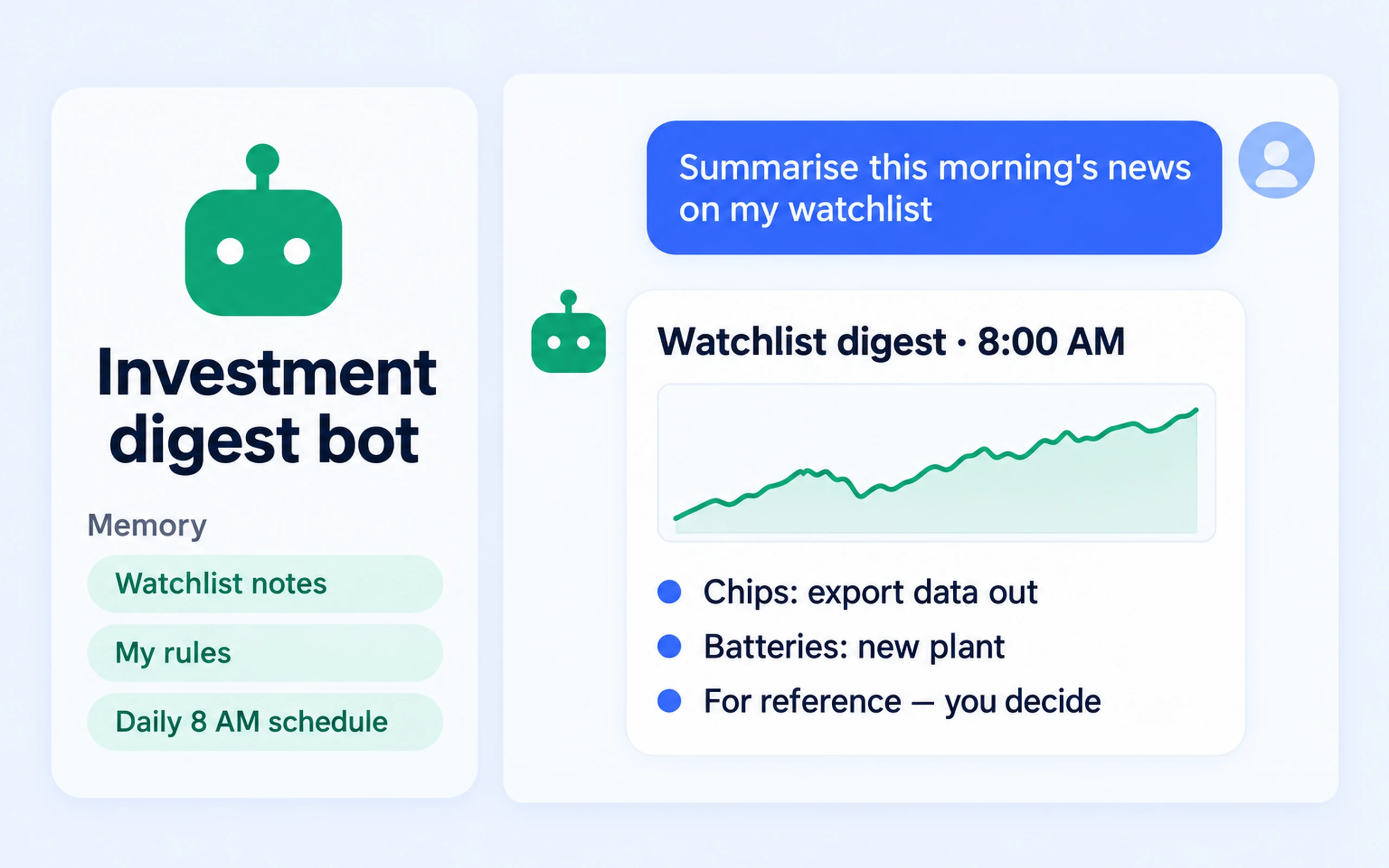
Compiles news on your watchlist stocks every morning. Investment decisions are yours.
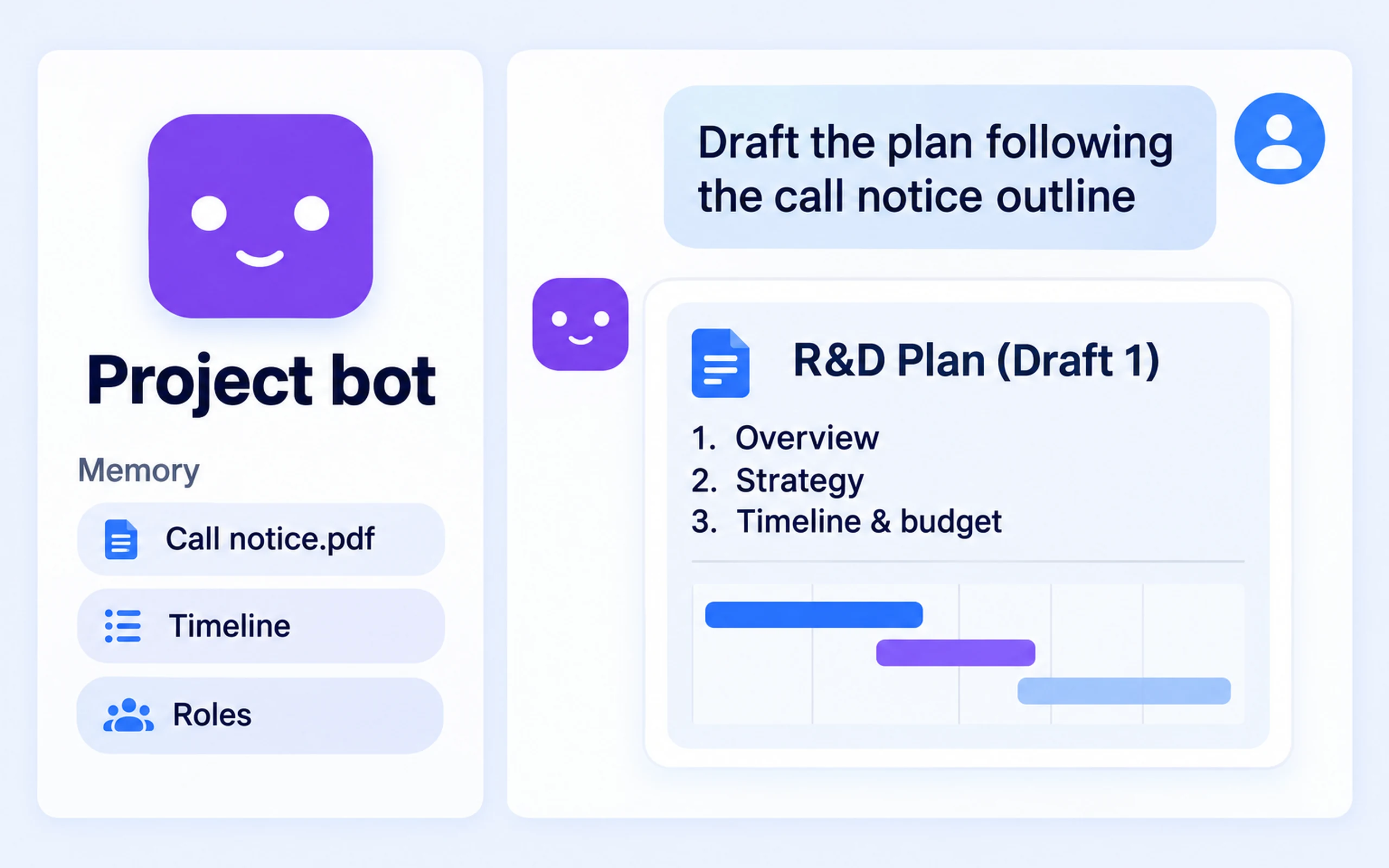
Remembers RFPs, timelines, and role assignments, then drafts proposals and progress reports.
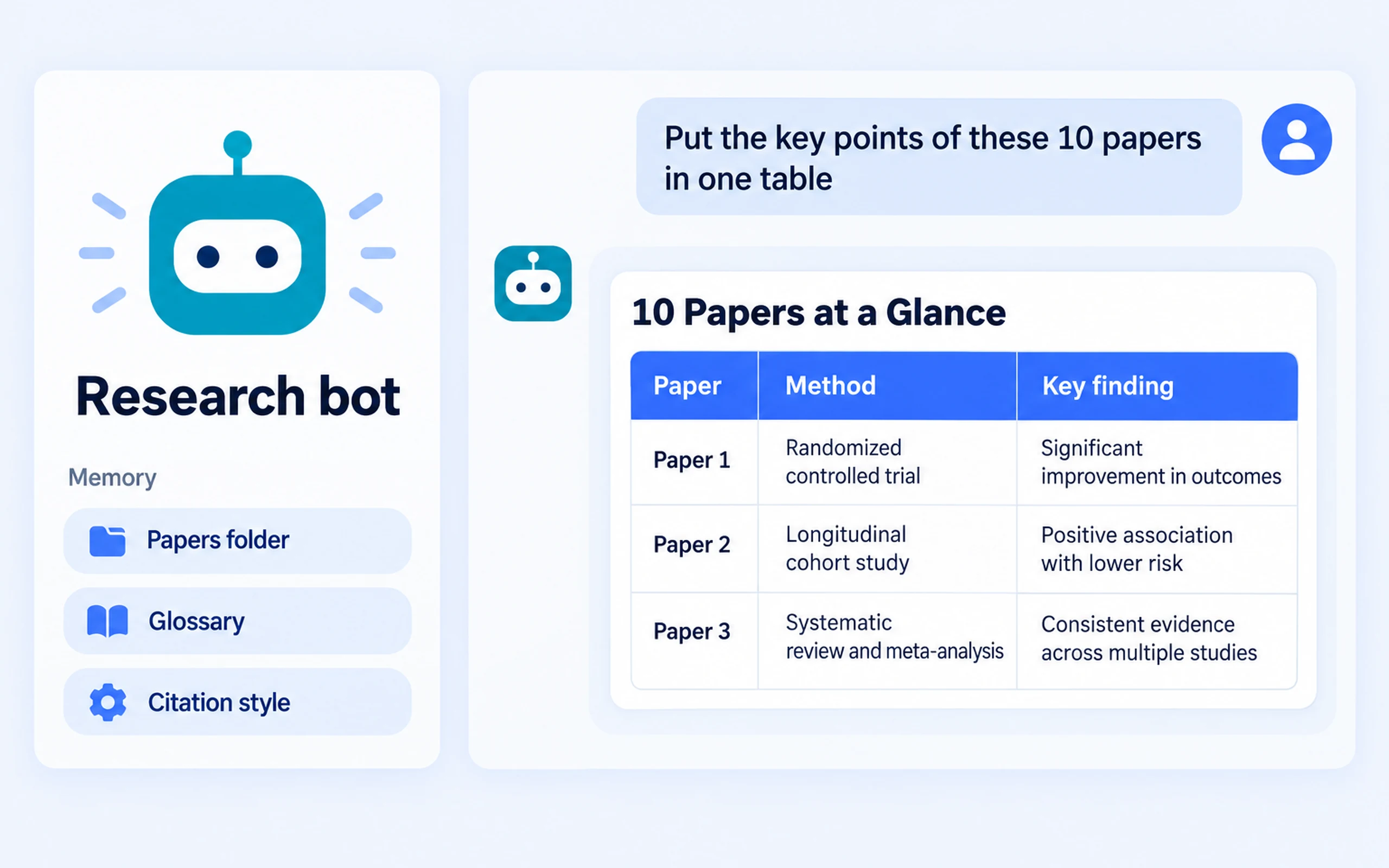
Reads papers from the folders you allow and distills key findings into a single-page table.
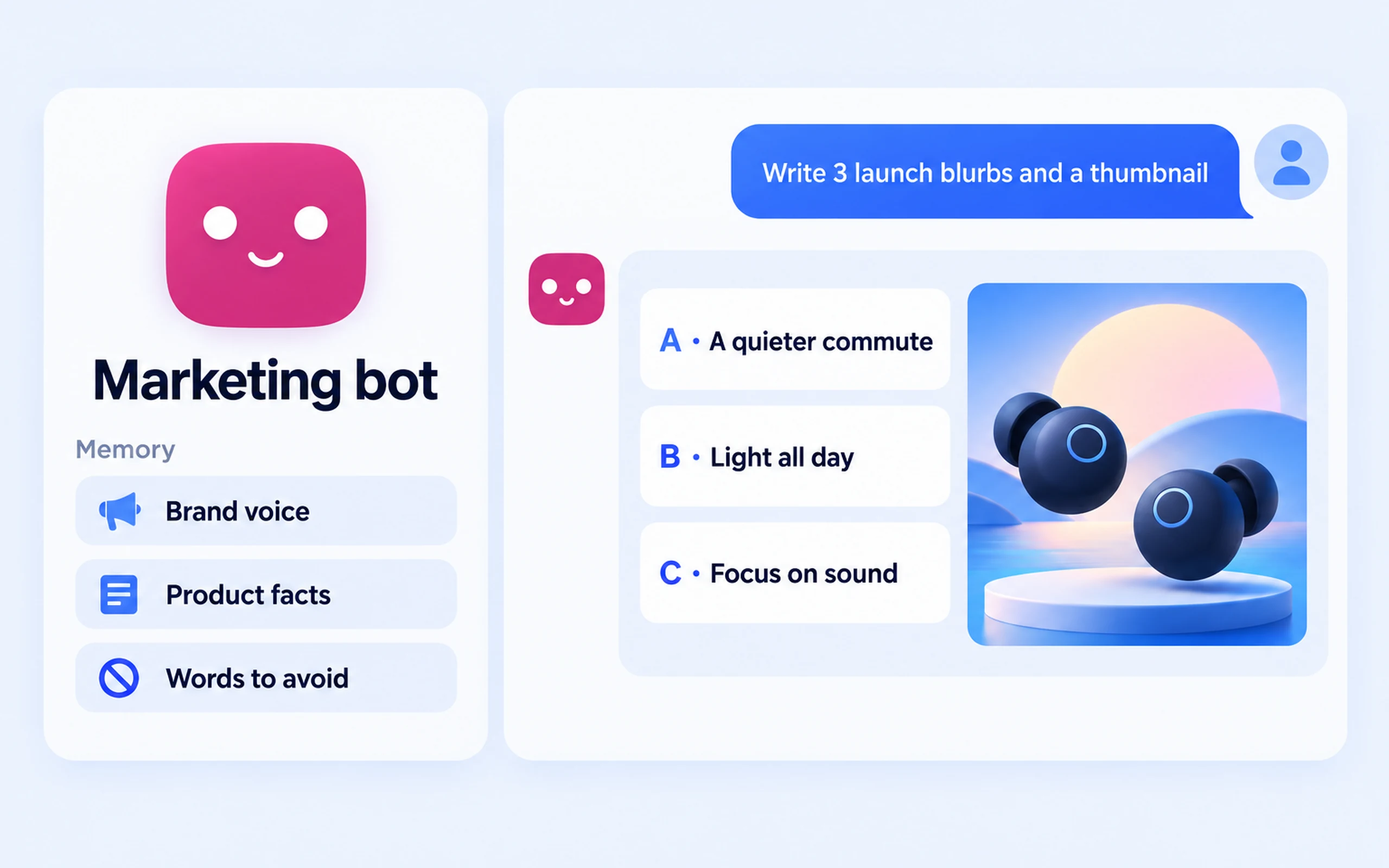
Creates on-brand copy and thumbnail images.
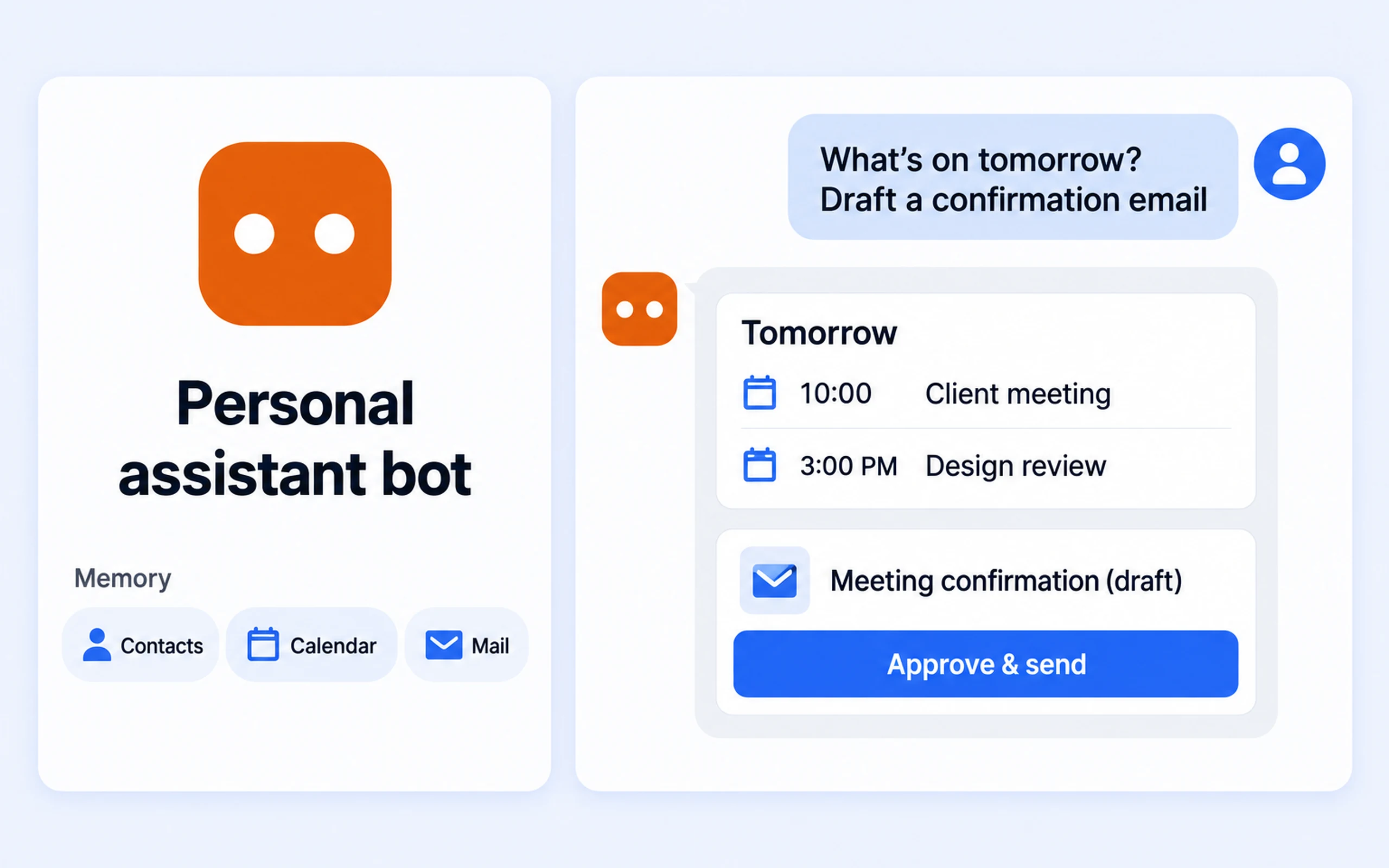
Reminds you of upcoming events, drafts confirmation emails, and adds new calendar entries.
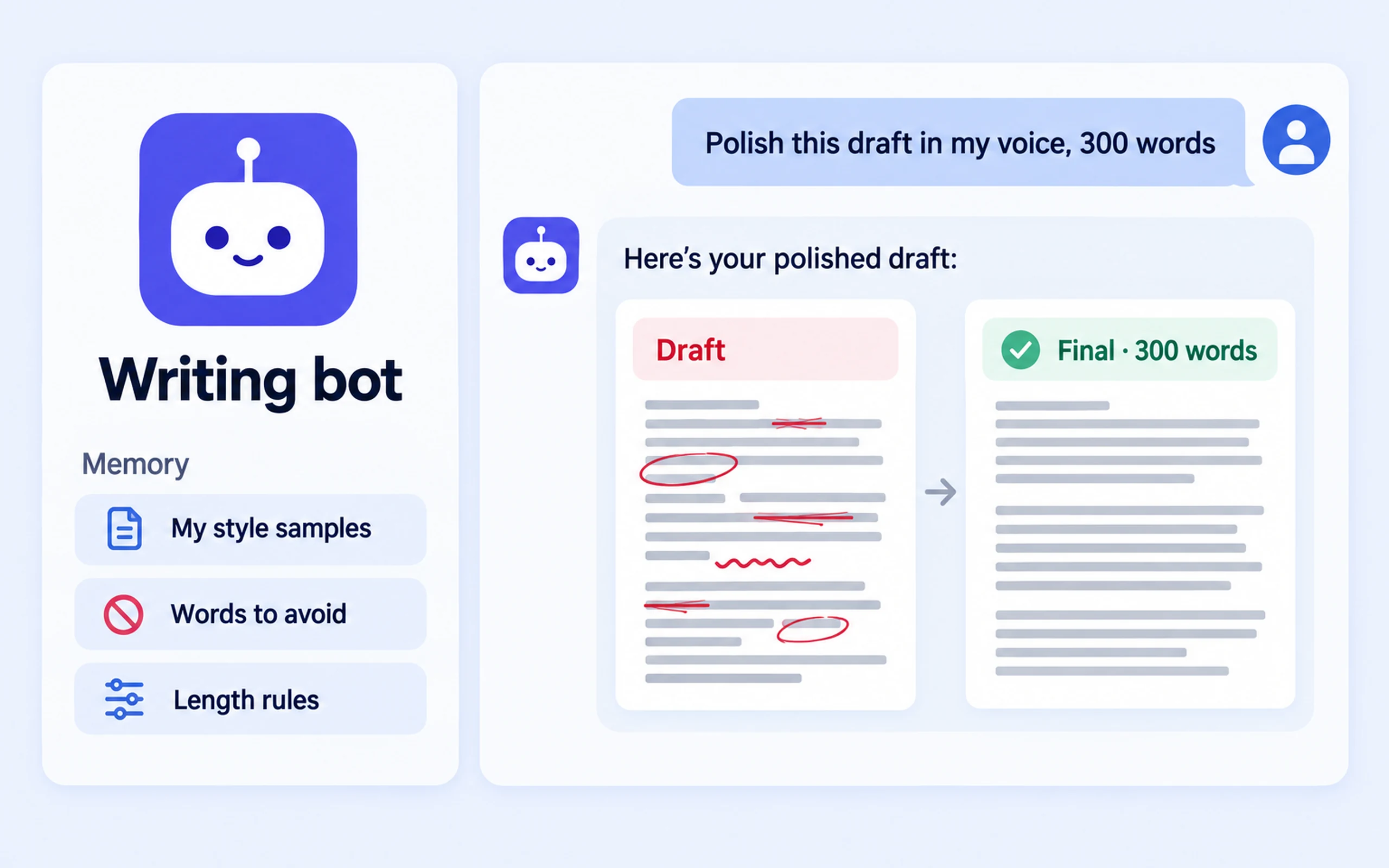
Remembers your writing style and refines drafts to the length you want.
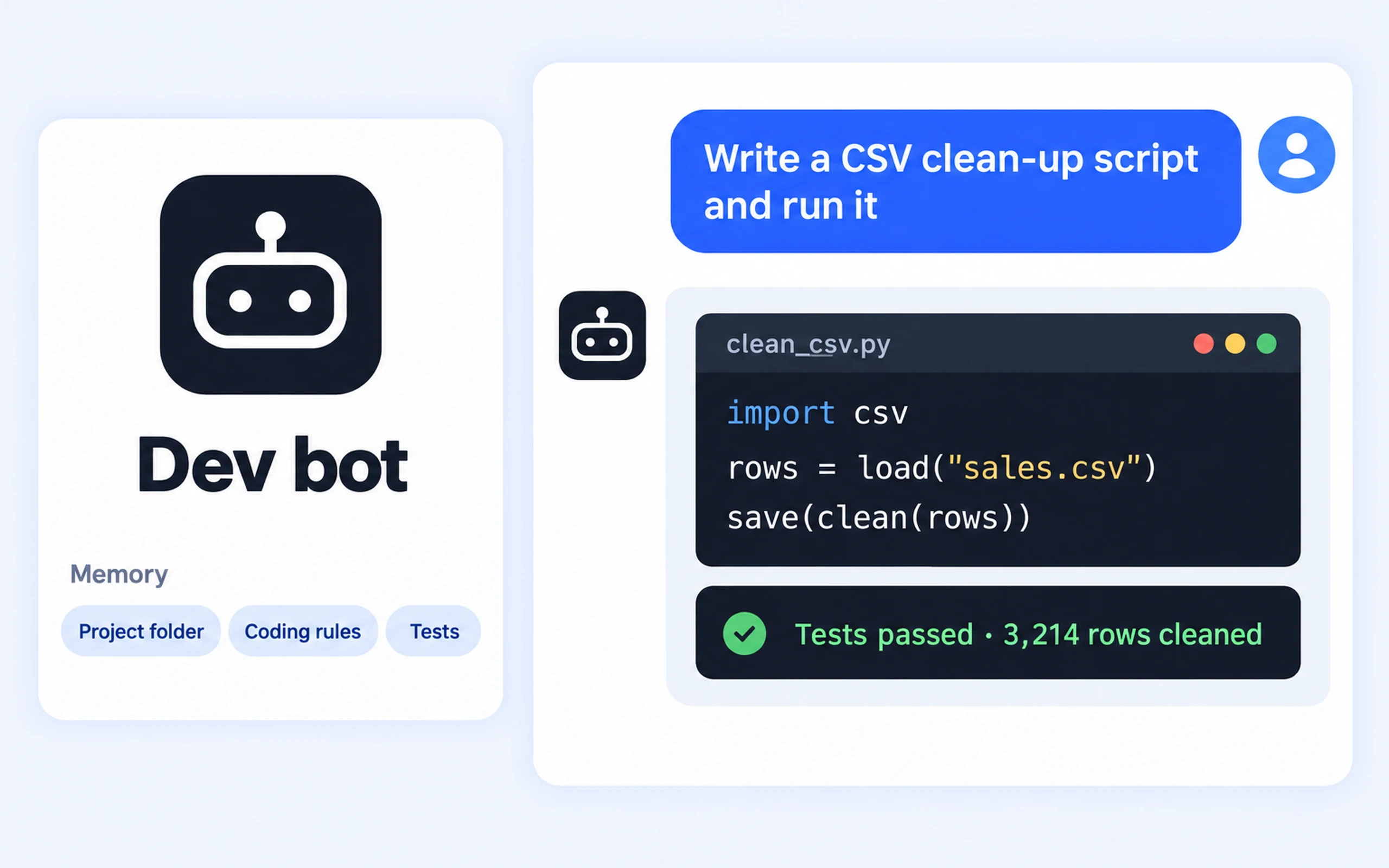
Remembers your project folder and coding conventions, then writes and runs code.
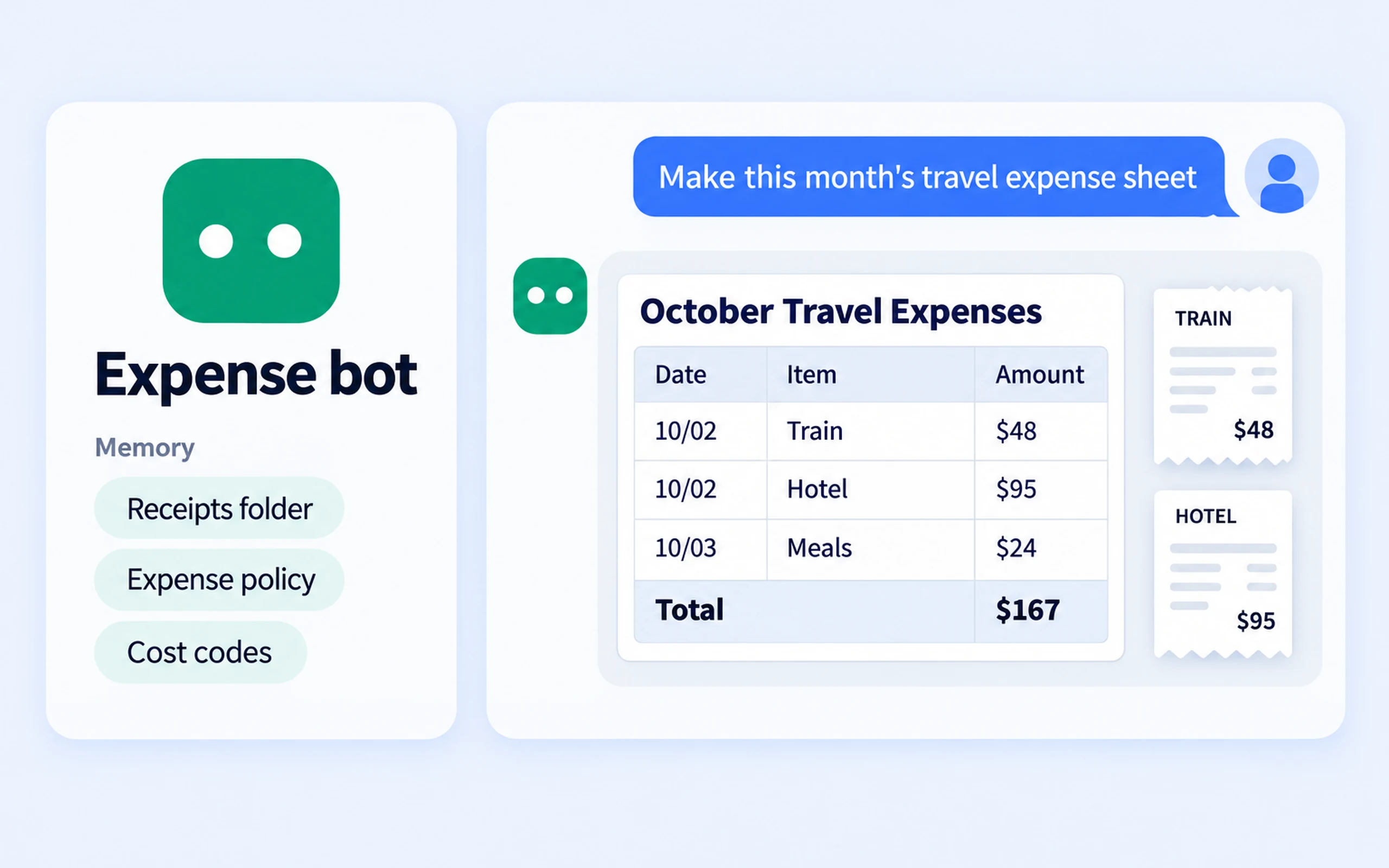
Remembers your receipt folder and reimbursement rules, then produces organized expense sheets.
🎤 Voice input
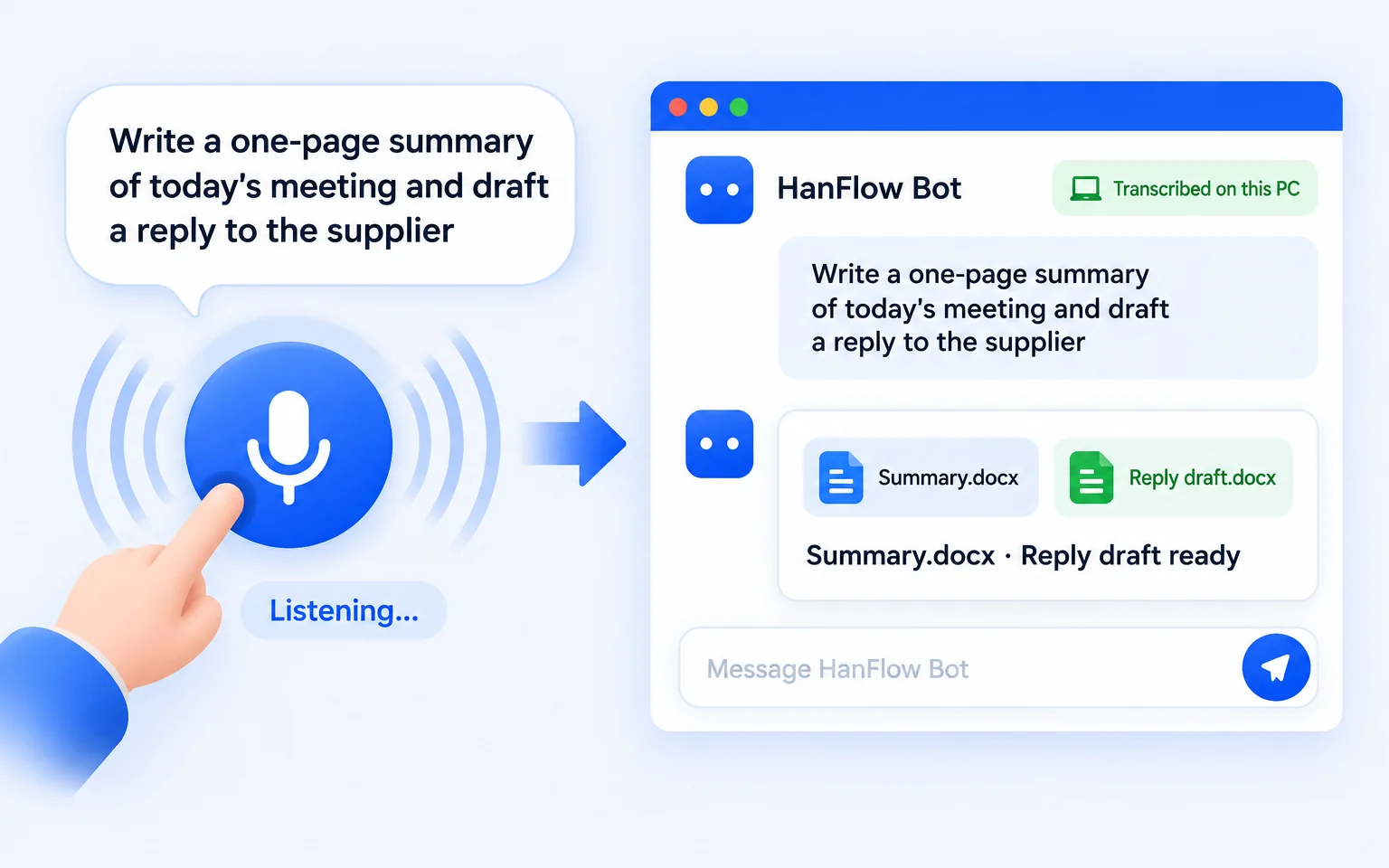
Press the mic and speak your request — the bot writes it down as text. The speech recognition engine ships inside the installer and transcribes entirely on your PC.
What it makes
Writing, images, document files, schedules, email drafts, and code — images shown are illustrative.
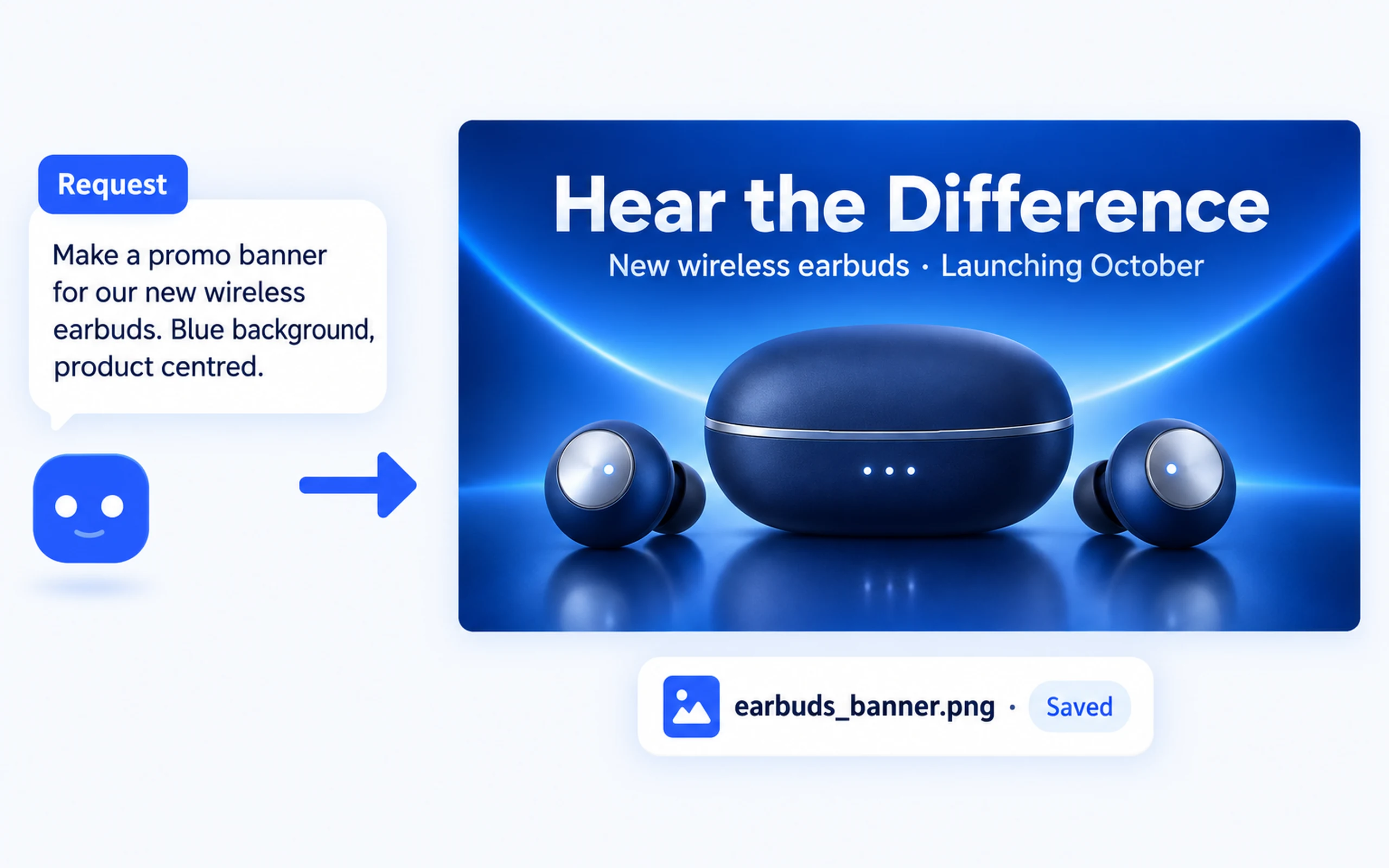
Describe what you need and the bot generates an image saved as a PNG file. Image generation requires an image API key.
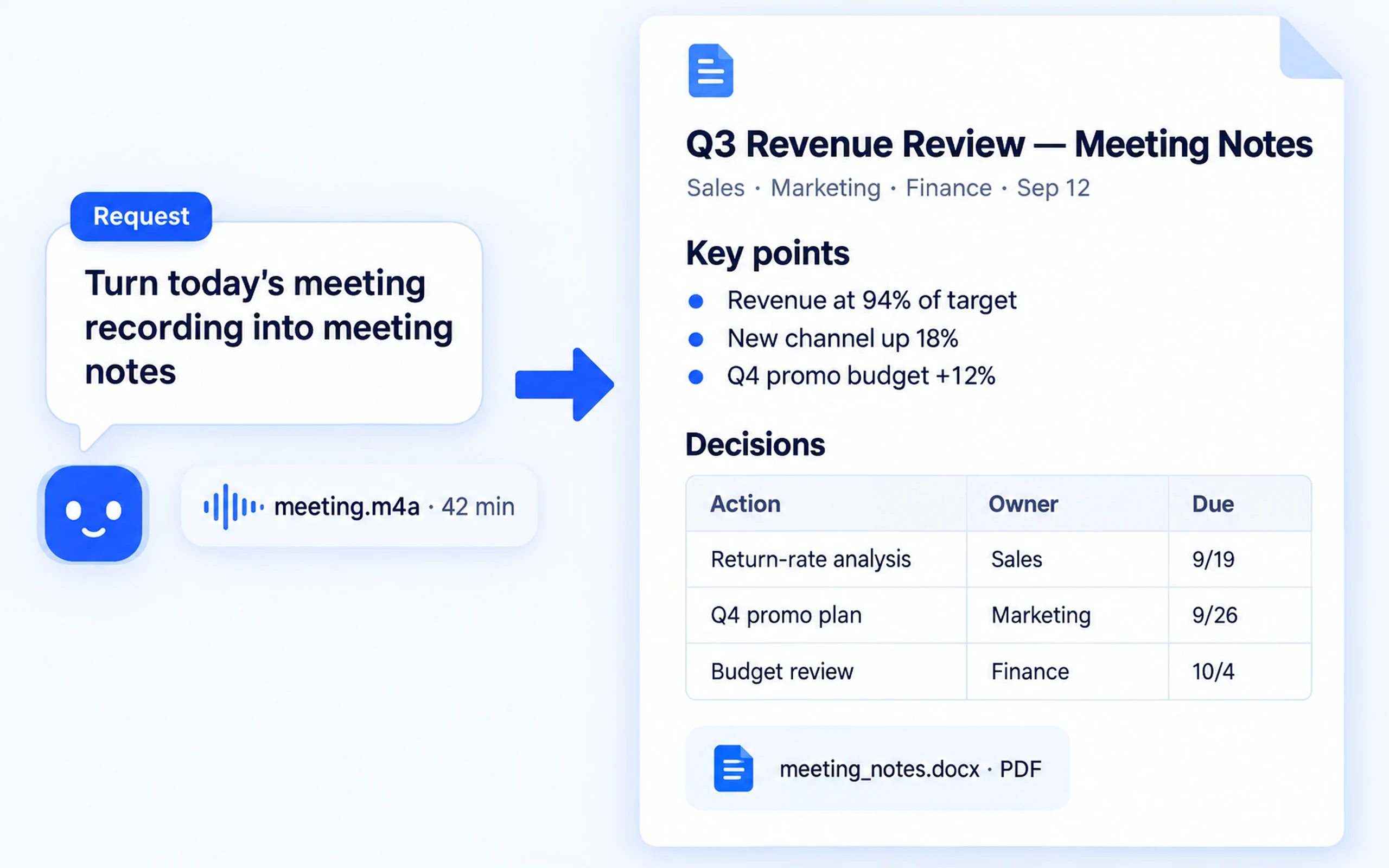
Transcribes meeting recordings on your PC, then organizes key points, decisions, and action items into a single-page Word or PDF file.
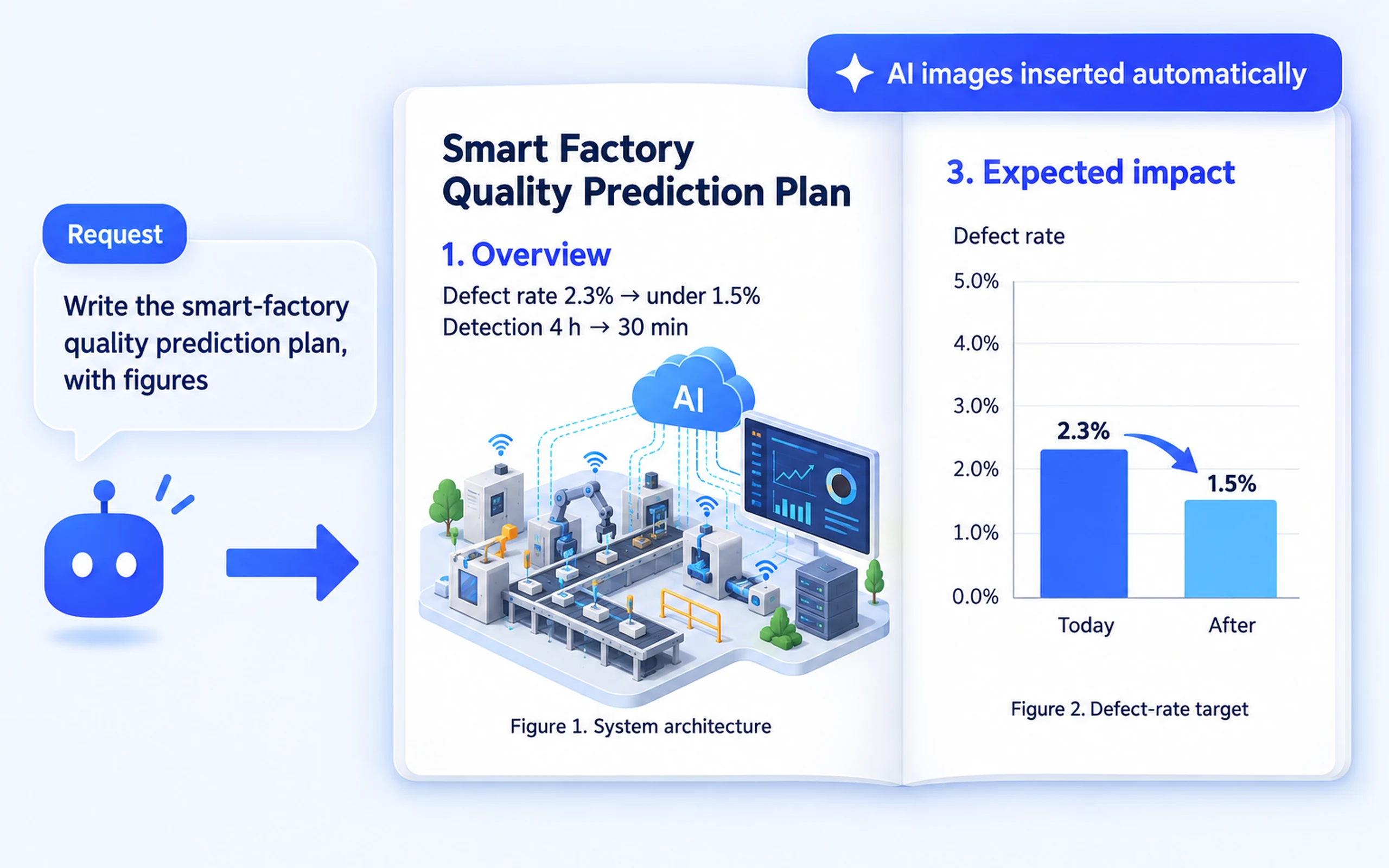
Finds placeholders like «Figure 1» and «Figure 2» in your proposal and generates matching images for each slot. You get a complete, illustrated document in one step.
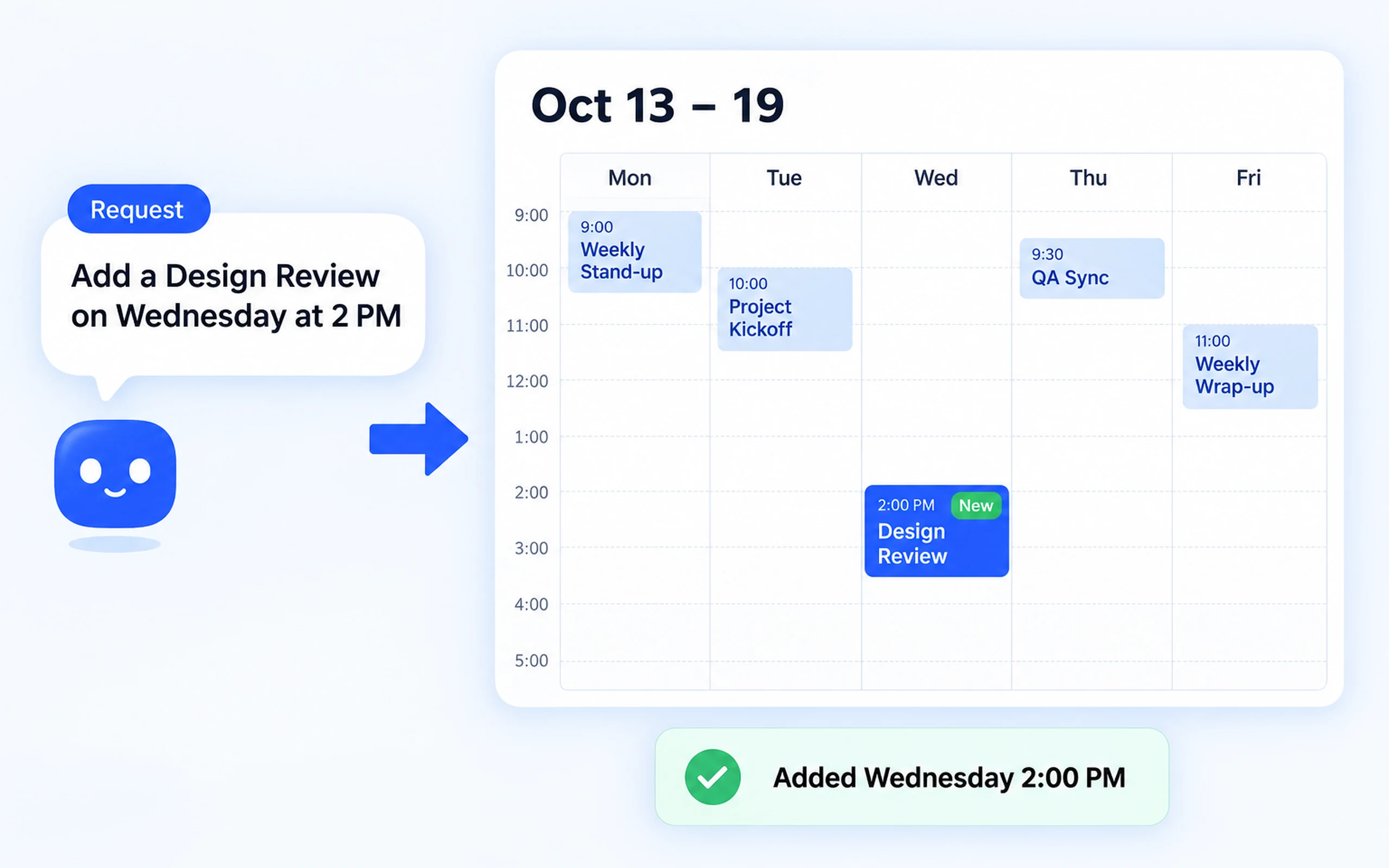
Tell the bot and it adds or edits events in Google Calendar. Connect Google Calendar in claude.ai beforehand.
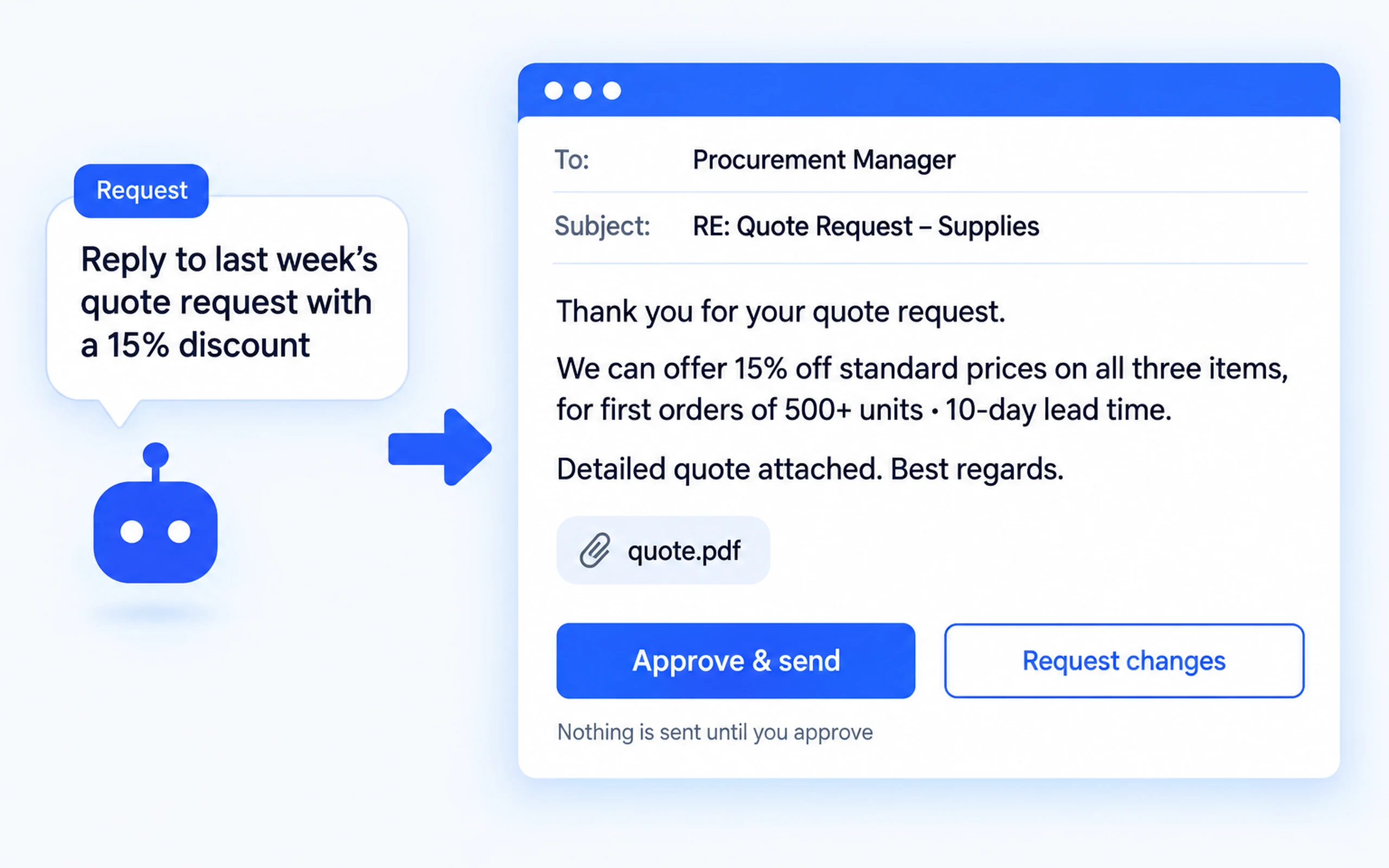
Reads incoming mail and drafts a reply.
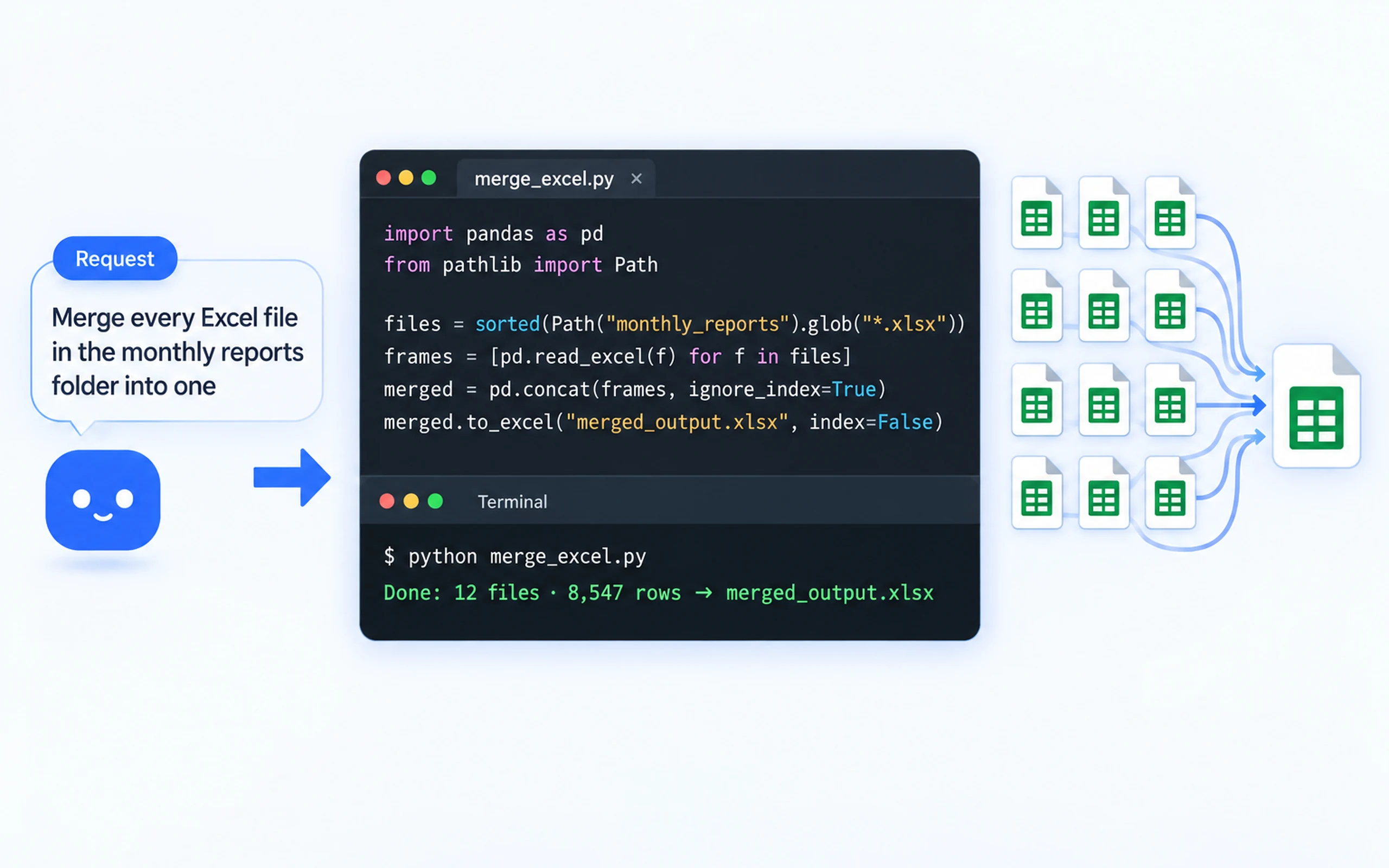
Using the Claude Code or Codex subscription engine, the bot creates files on your PC, runs them, and refines them as it builds the program or script.
Lighter install
HanFlow Bot installs just the AI bot and voice input, so the download is much smaller than the all-in-one installer. You can upgrade to the full suite any time.


Run the installer on your Windows PC.
Sign in with your Claude (Claude Code) or GPT (Codex) subscription.
Type your request or press the mic and speak.
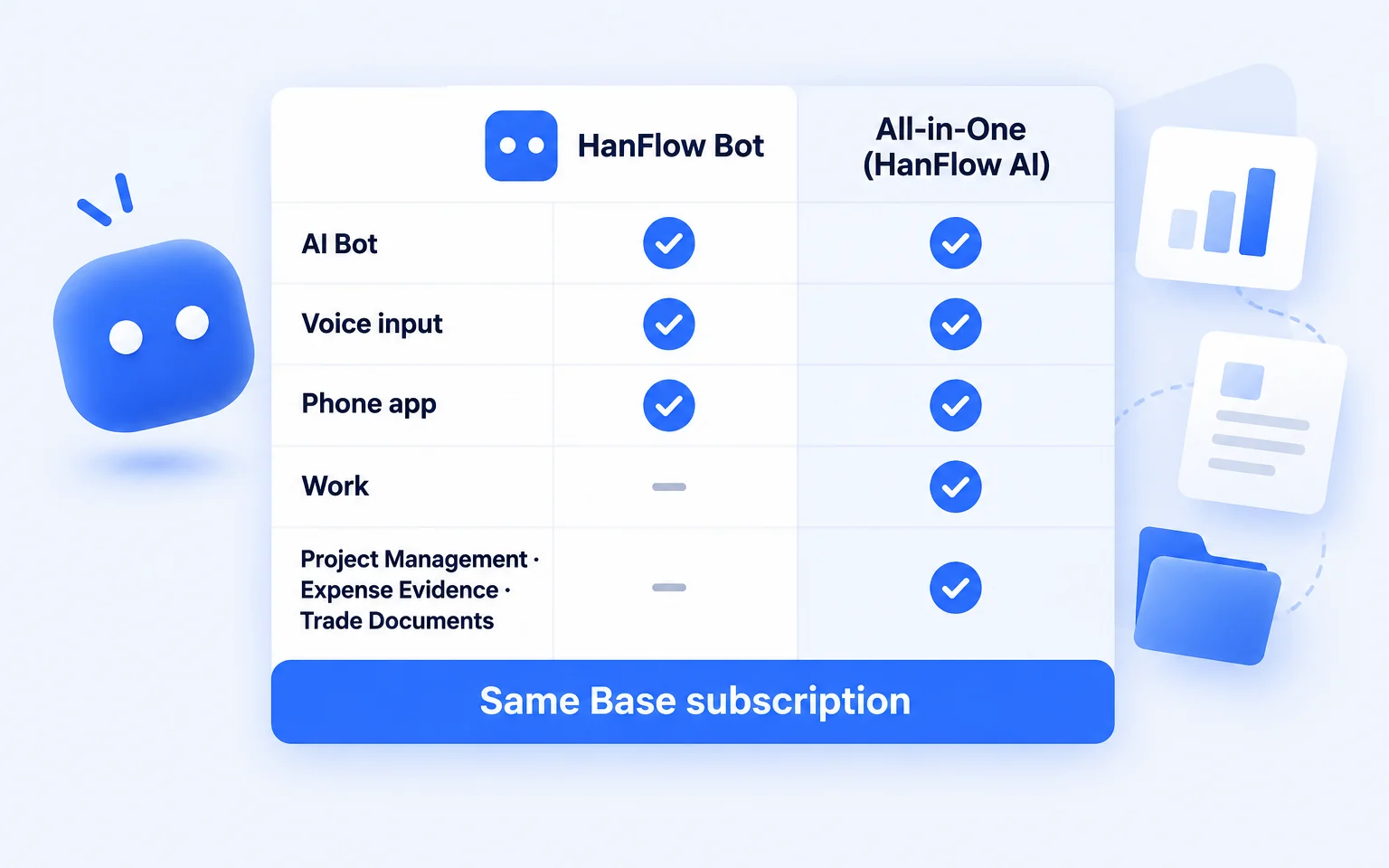
Both use the same Base subscription. Install the all-in-one installer over HanFlow Bot to upgrade — your conversations and memory carry over.
| HanFlow Bot | All-in-One (HanFlow AI) | |
|---|---|---|
| AI bot (writing, images, files, calendar, email drafts, code) | ✓ | ✓ |
| Voice input | ✓ | ✓ |
| Phone app access while the program is running on your PC | ✓ | ✓ |
| Work assistant (meeting minutes, reports, slides) | — | ✓ |
| Project management, expense evidence, and trade documents assistants | — | ✓ |
| Download size | Smaller | Larger (everything included) |
| Subscription | Same Base subscription (add-on assistants are extra) | |
Yes. HanFlow Bot requires either a Claude subscription (Claude Code) or a GPT subscription (Codex). API keys are not accepted. Our subscription fee does not cover Claude or GPT, and hanflowai.com credits are not used. Image generation requires a separate image API key.
No. Both use the same Base subscription. At checkout the product name shown is HanFlow AI Assistant — Base (Monthly).
Yes. Install the all-in-one installer over HanFlow Bot — it uses the same folder, and your conversations and memory are kept.
Yes, while HanFlow Bot is running on your PC. The phone app acts as a remote for the bot on your computer, so keep the program open. Install HanFlow Bot on your PC first.
On your PC. Documents and files the bot creates are saved locally.
Your AI bot, right on your PC
The all-in-one installer is larger and includes every assistant. Once the lightweight HanFlow Bot installer is ready, this button will switch automatically.
Download HanFlow Bot on your PC first. The phone app connects to the bot running on your computer.
HanFlow Bot requires a Windows or Mac PC.